


Mouse Click Speed Test
Test your finger speed and reaction time. Designed for gamers who demand precision.
Click Here to Start
Smash your mouse buttons
How to use the CPS Test?
Step 1: Select Time Mode
Click the buttons above to choose your challenge duration (1s burst, 5s standard, 10s endurance, etc.).
Different durations test different muscle burst and stamina.
Step 2: Start Clicking
Move your cursor into the dashed rectangular area in the center. Take a deep breath. The timer starts
immediately upon your first click.
Step 3: Check Your Rank
When the countdown ends, the system automatically stops recording and displays your results. You will see your
Clicks Per Second (CPS), total clicks, and your gaming rank.
Pro Clicking Tips
Jitter Clicking
Uses rapid vibration of arm muscles to generate extremely fast click speeds. Requires practice to aim steadily. Common in Minecraft PvP.
Butterfly Clicking
Uses index and middle fingers to click alternately on the left mouse button. If your mouse supports Double Click, you can easily reach 15-20 CPS.
Drag Clicking
Uses friction between your finger and the mouse button surface to generate multiple micro-clicks while dragging. Usually requires specific mouse textures (like matte) to work.
Frequently Asked Questions
Uitgelichte collectie
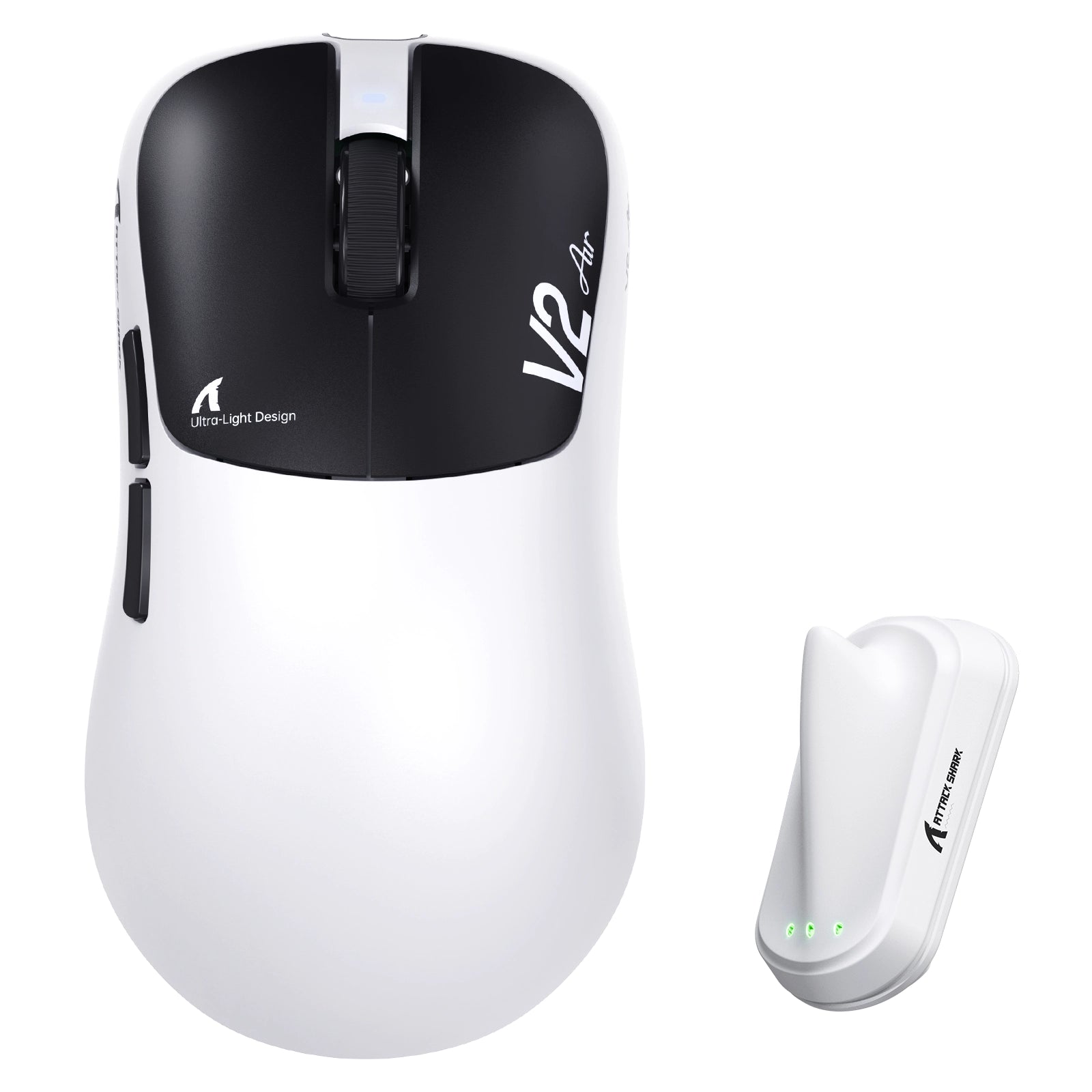
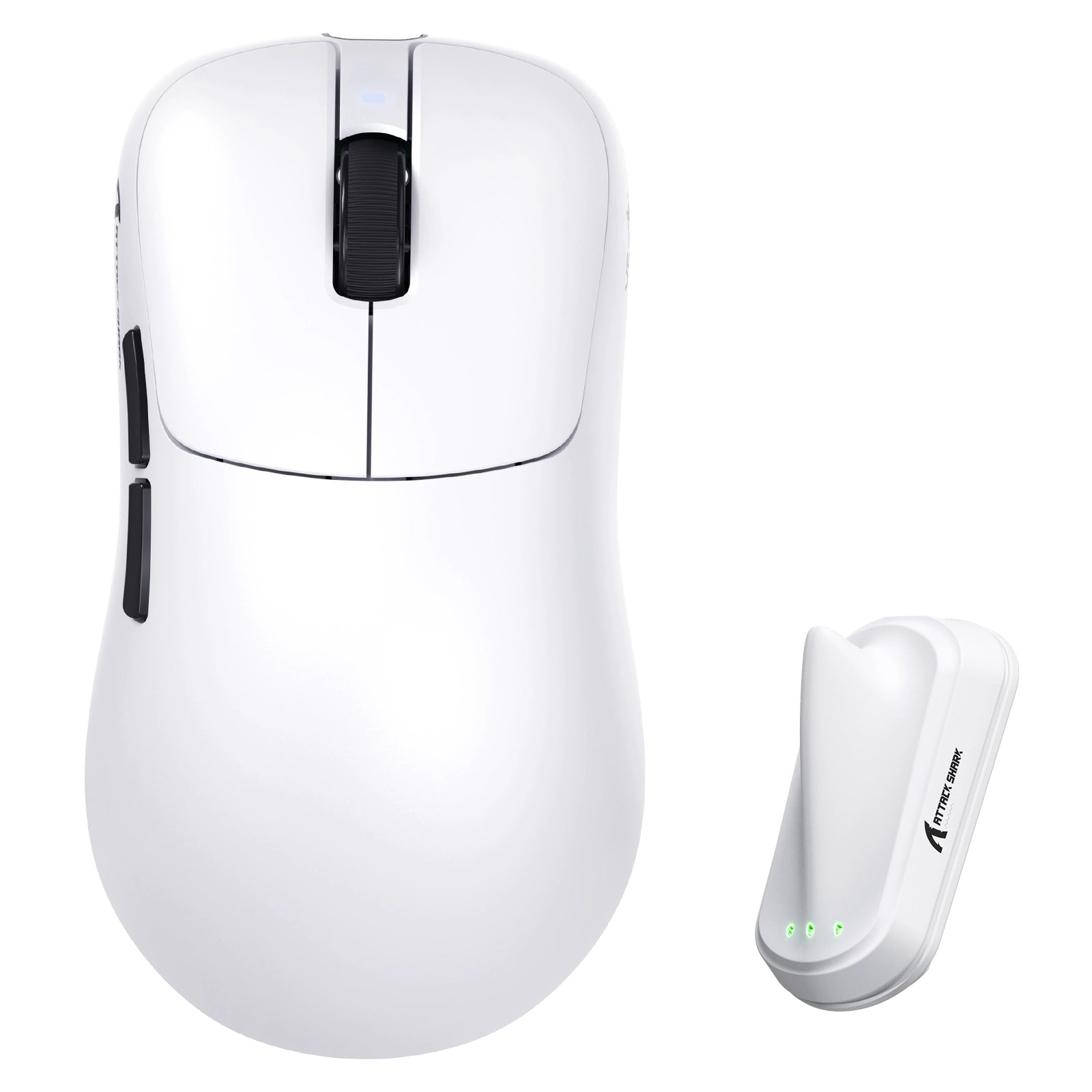
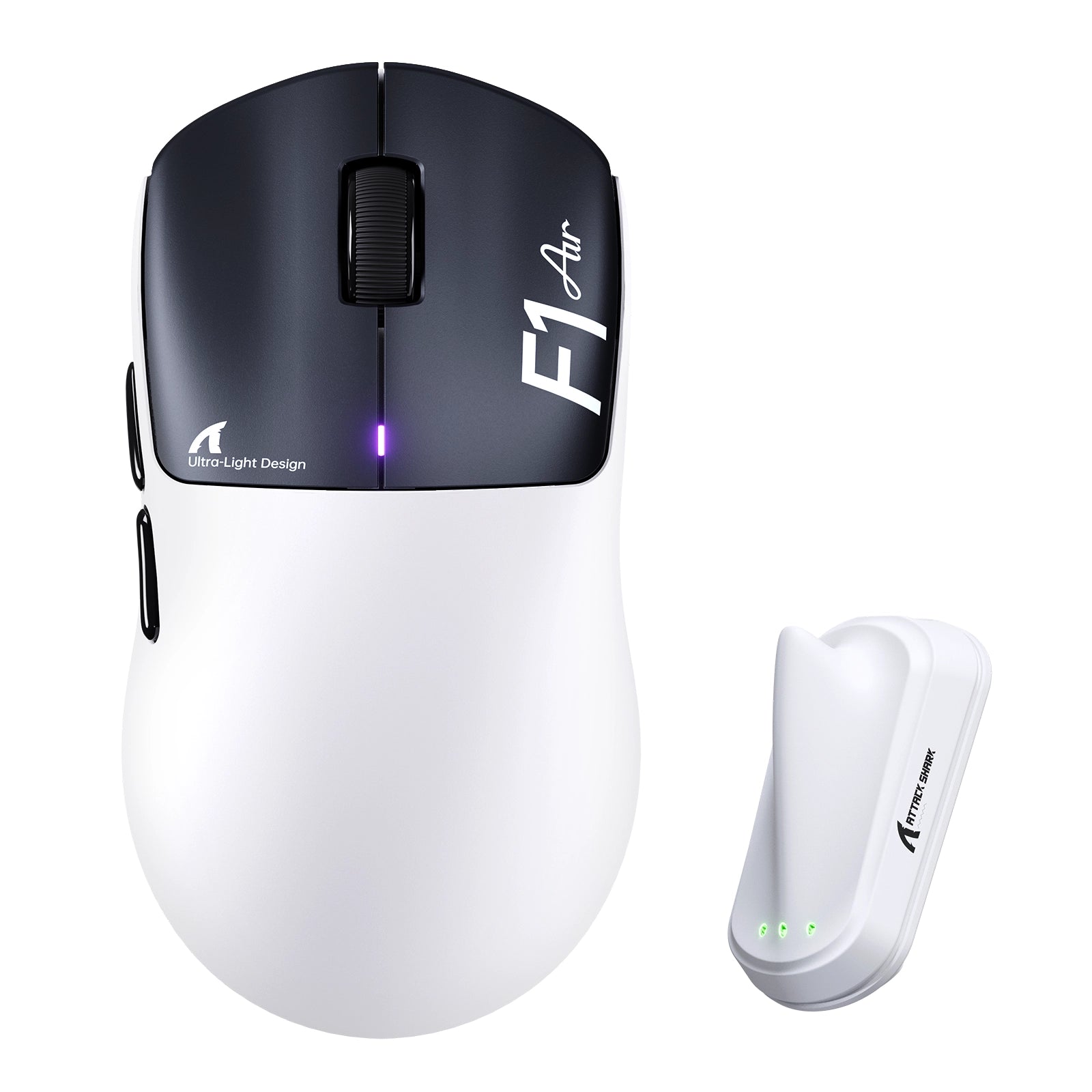
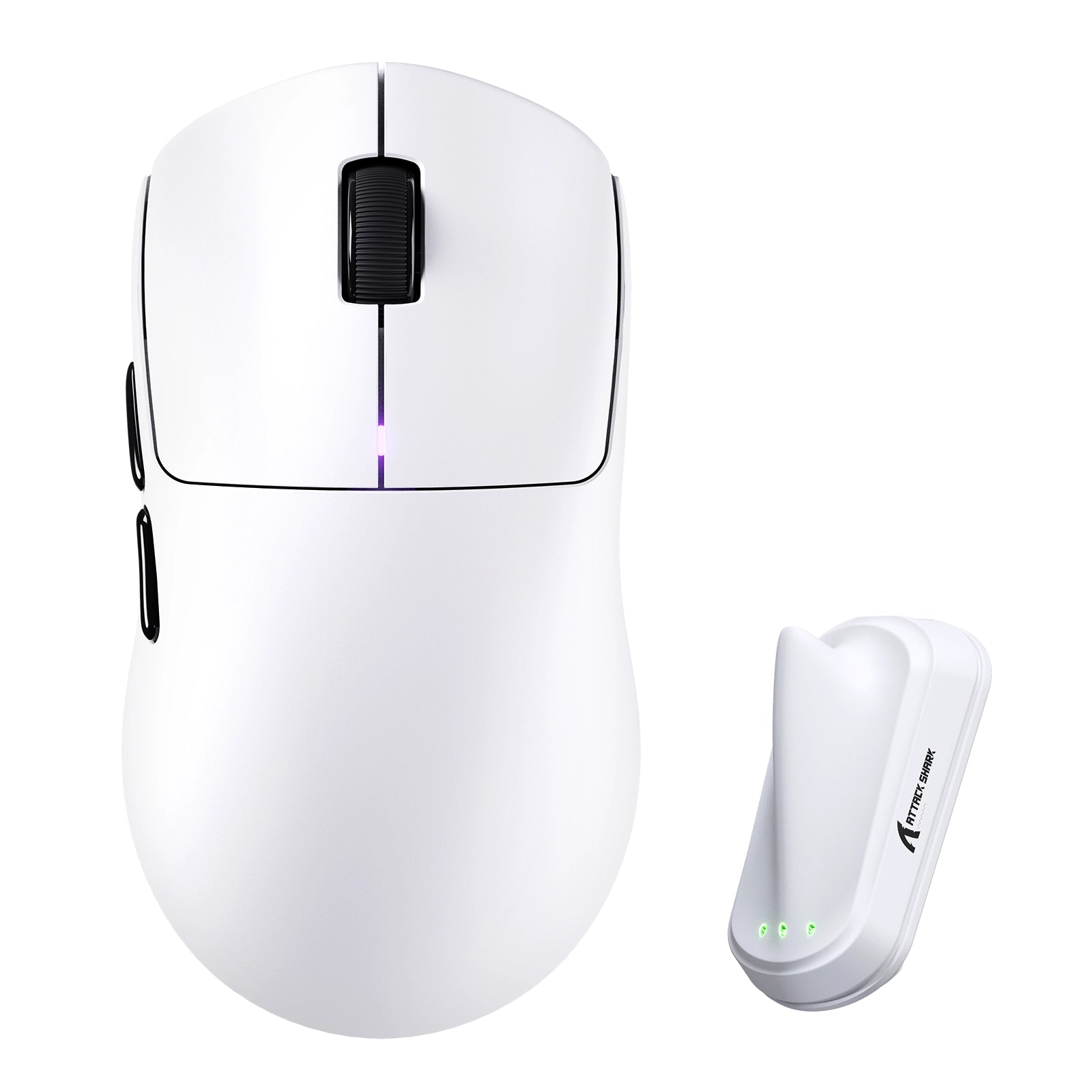

Blogberichten
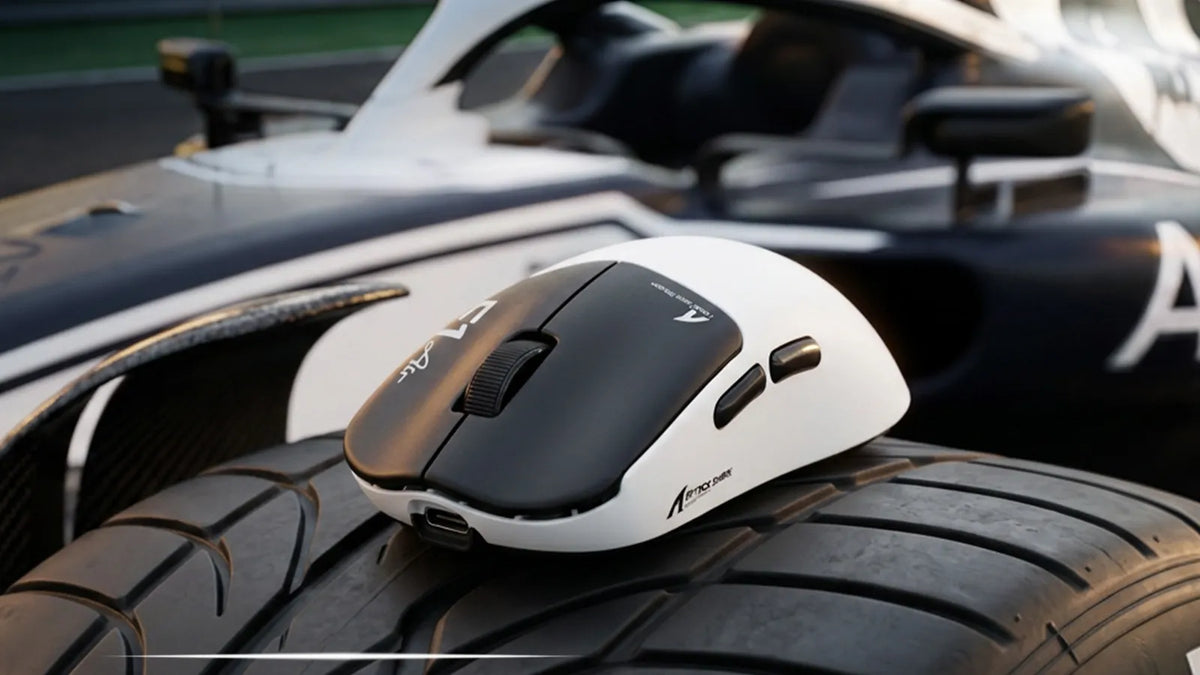
Maak kennis met de ATTACK SHARK F1 AIR: de ultieme lichtgewicht 8K-muis
Een behuizing van 39 g, een PAW3955MAX-sensor en dubbele 8K-draadloze verbinding maken van de F1 AIR een precisie-instrument voor Valorant, CS2 en Apex. Snelheid zonder extra gewicht.
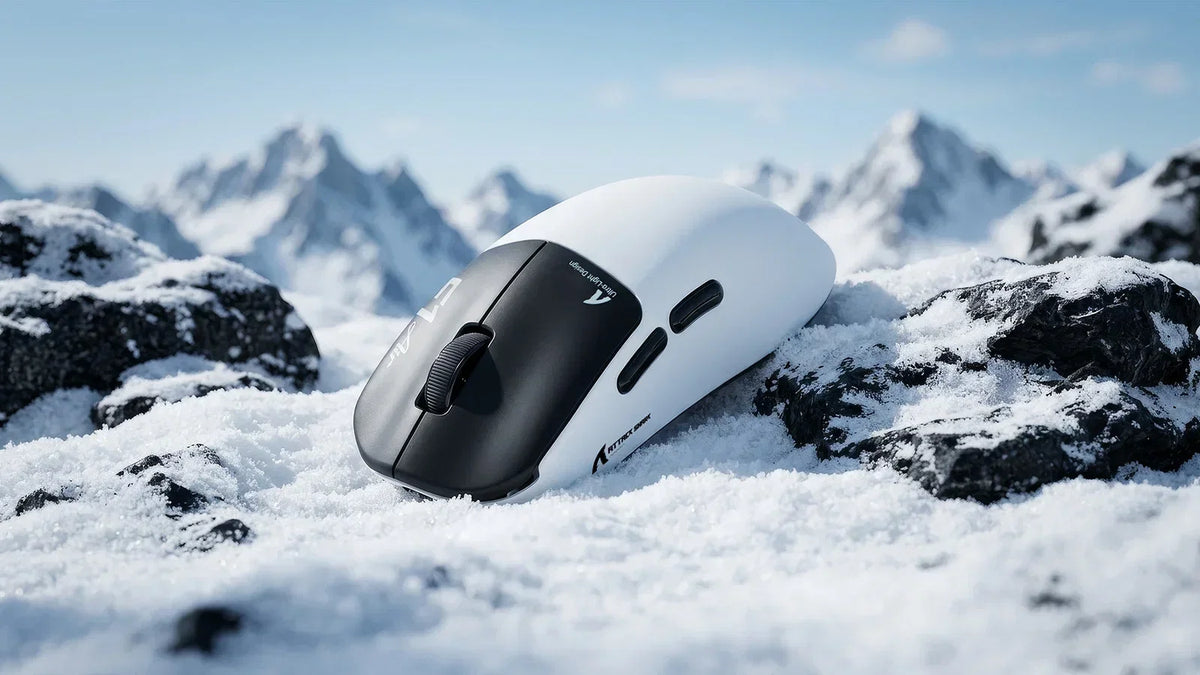
Geen compromissen meer: doorbreek het hardwareplafond in competitieve FPS-games
Polsbelasting vertraagt je snelle bewegingen. Een ultralichte draadloze muis van 39 g met een pollingrate van 8K en een sensor van 52K DPI houdt je aim scherp en je hand fris, zelfs tijdens verleng...
Welke randapparatuur gebruiken professionele CS2-spelers?
Winnende CS2-setup vertrouwt op muizen met lage latentie, Rapid Trigger-toetsenborden, lage eDPI, statische richtkruizen en ergonomische keuzes die bij je grip passen.