


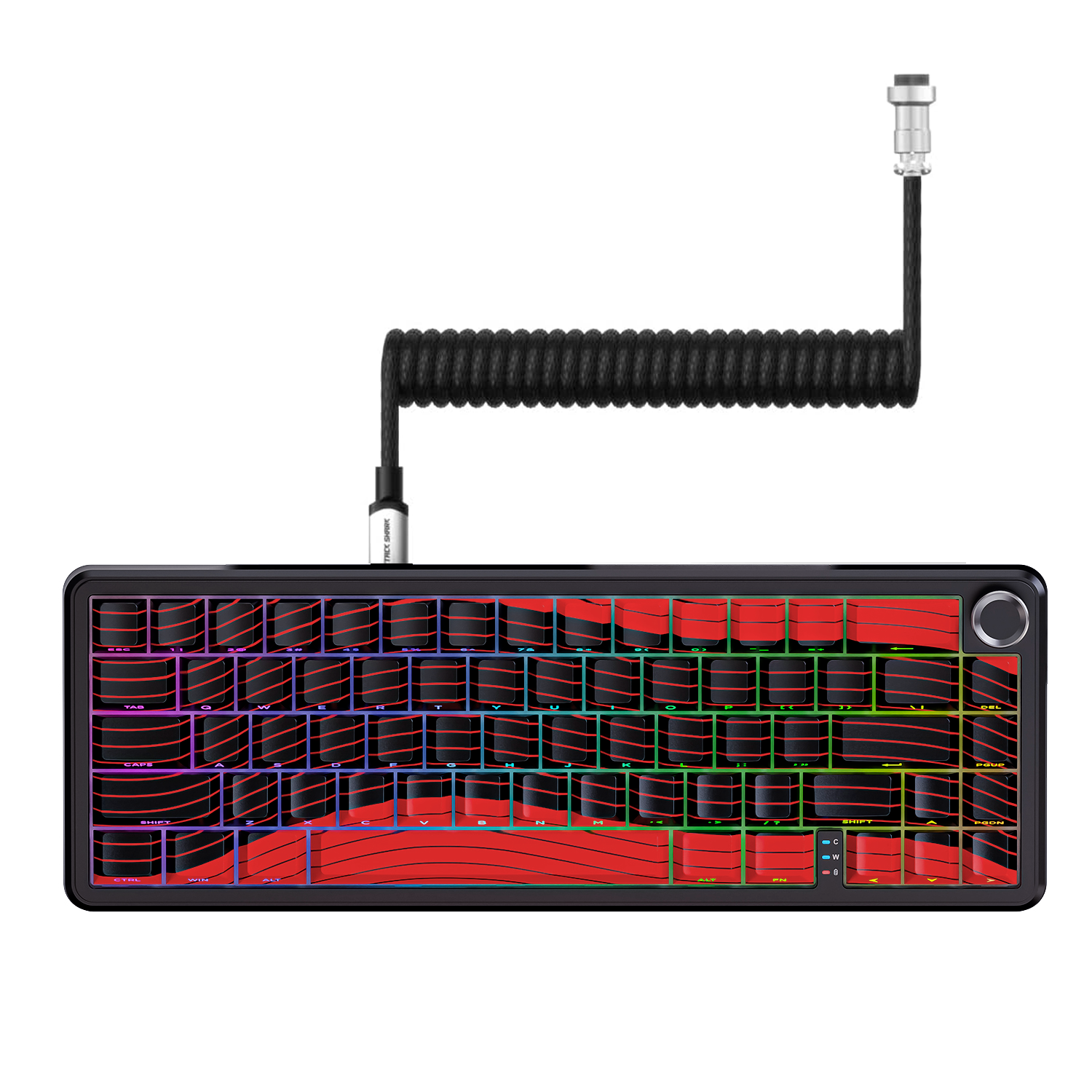
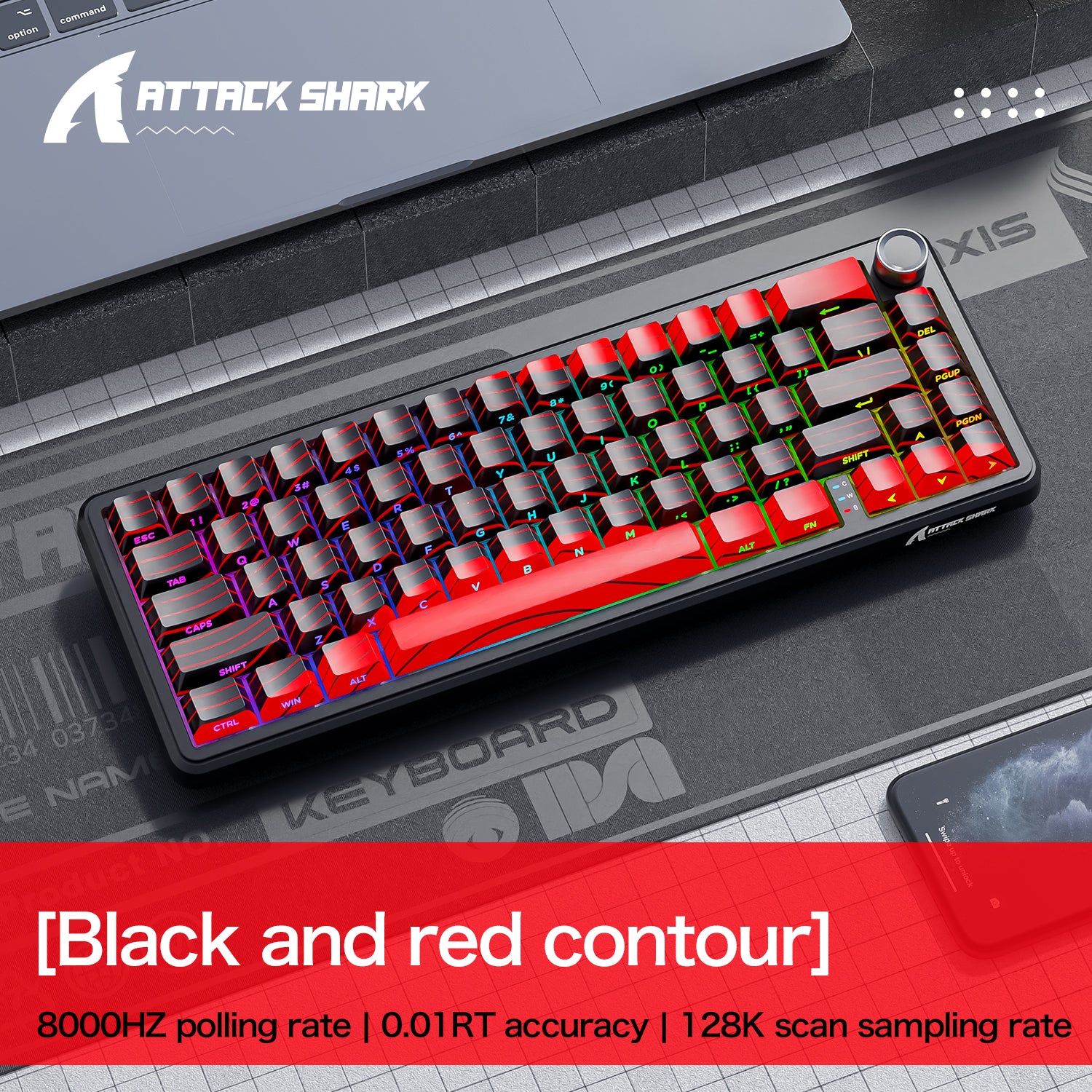
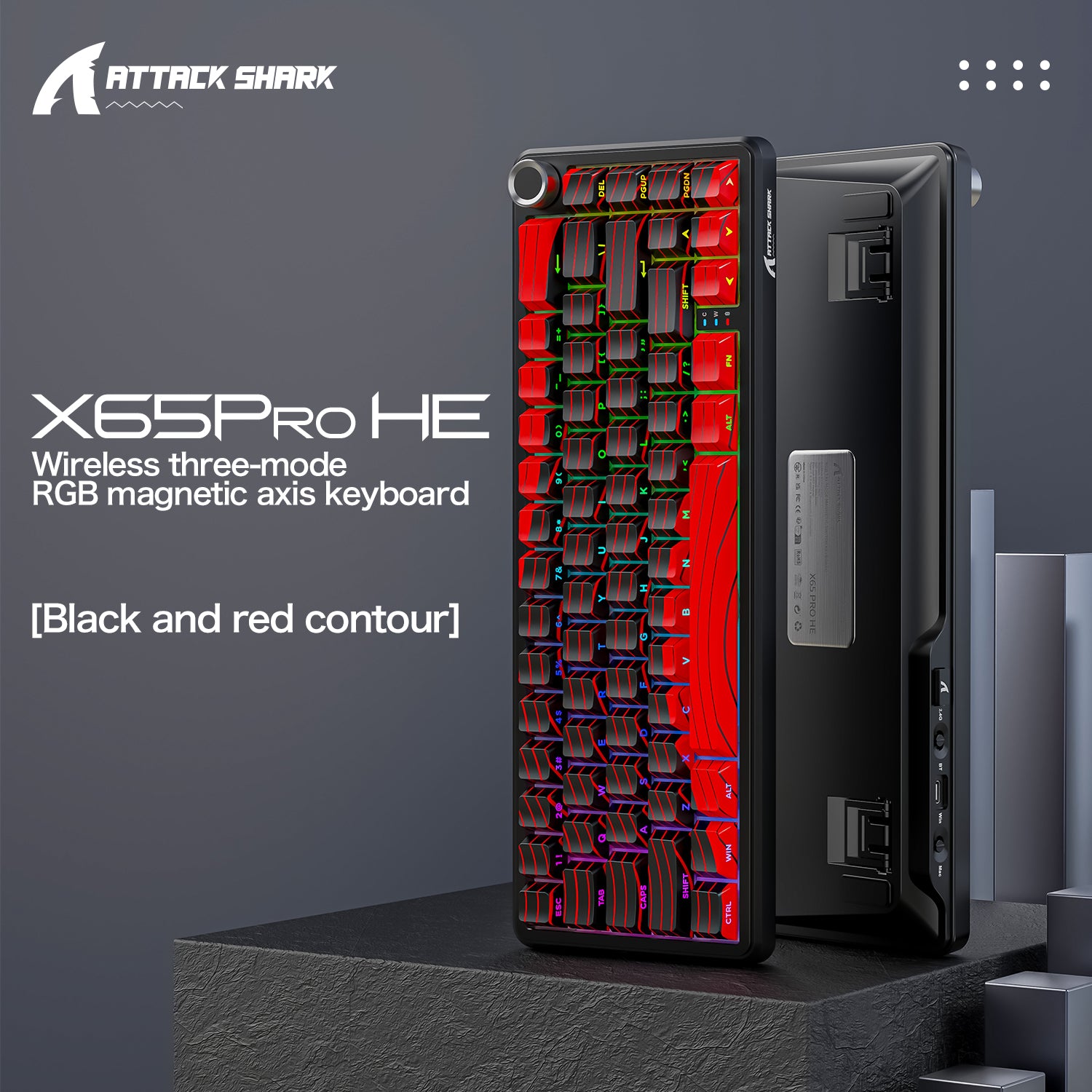
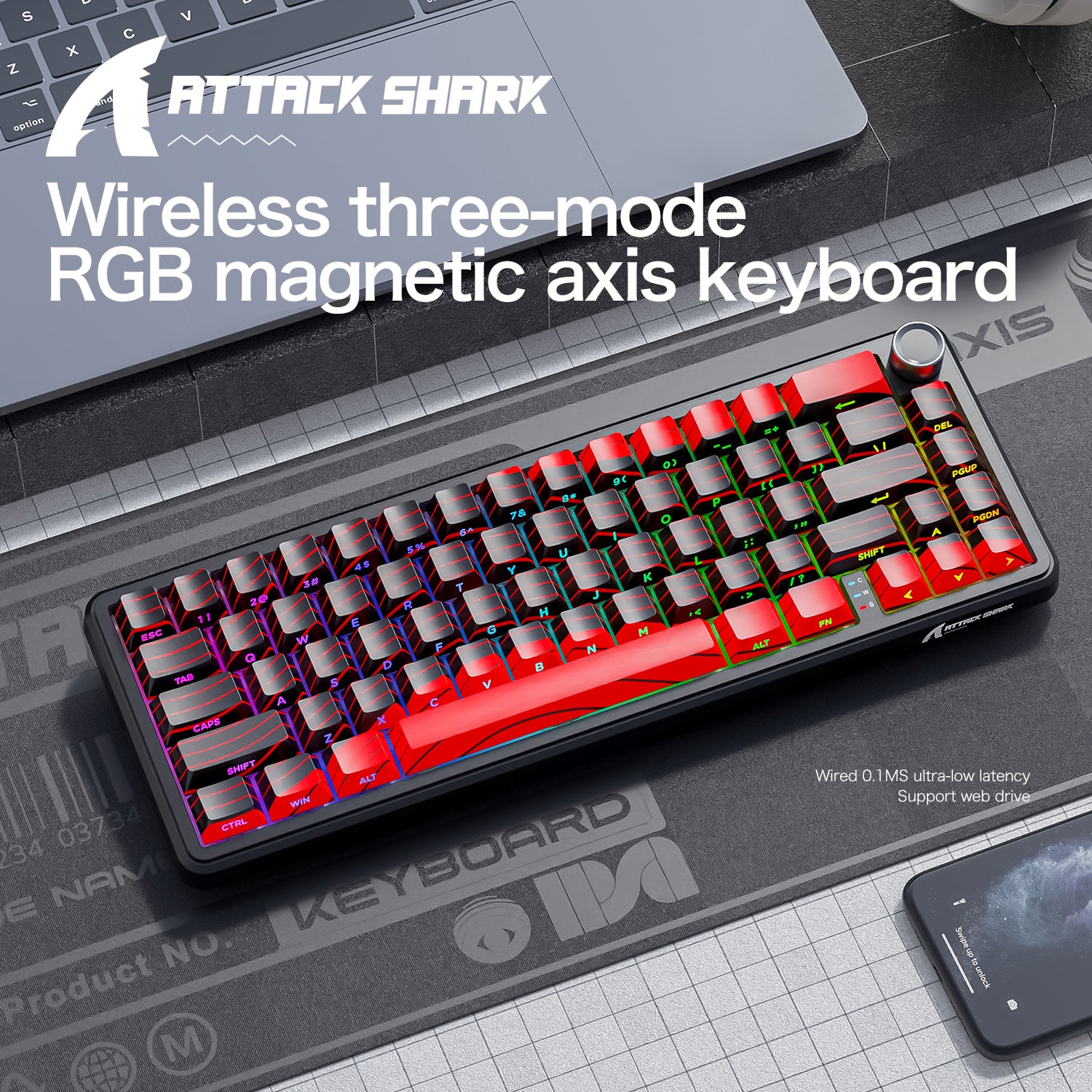
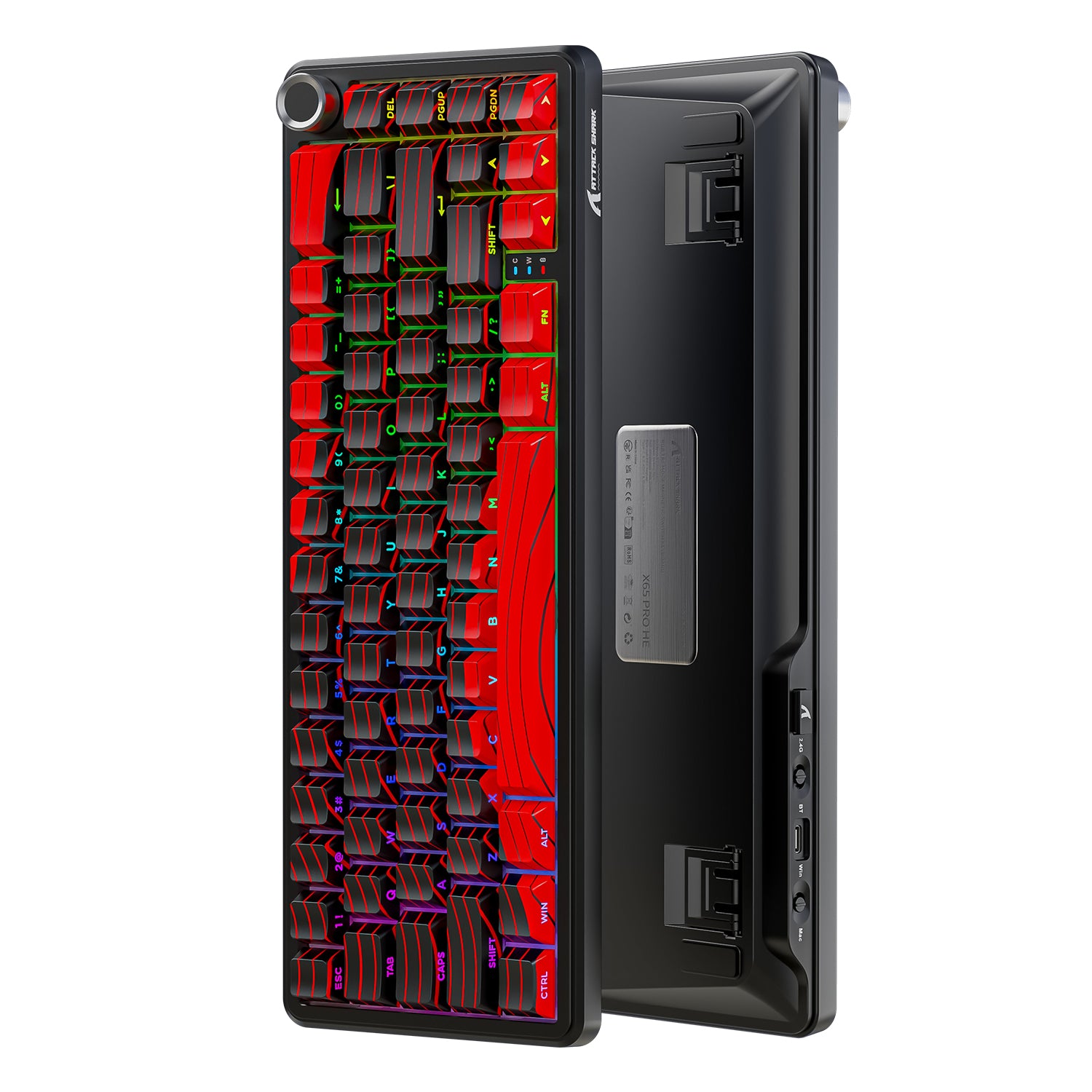
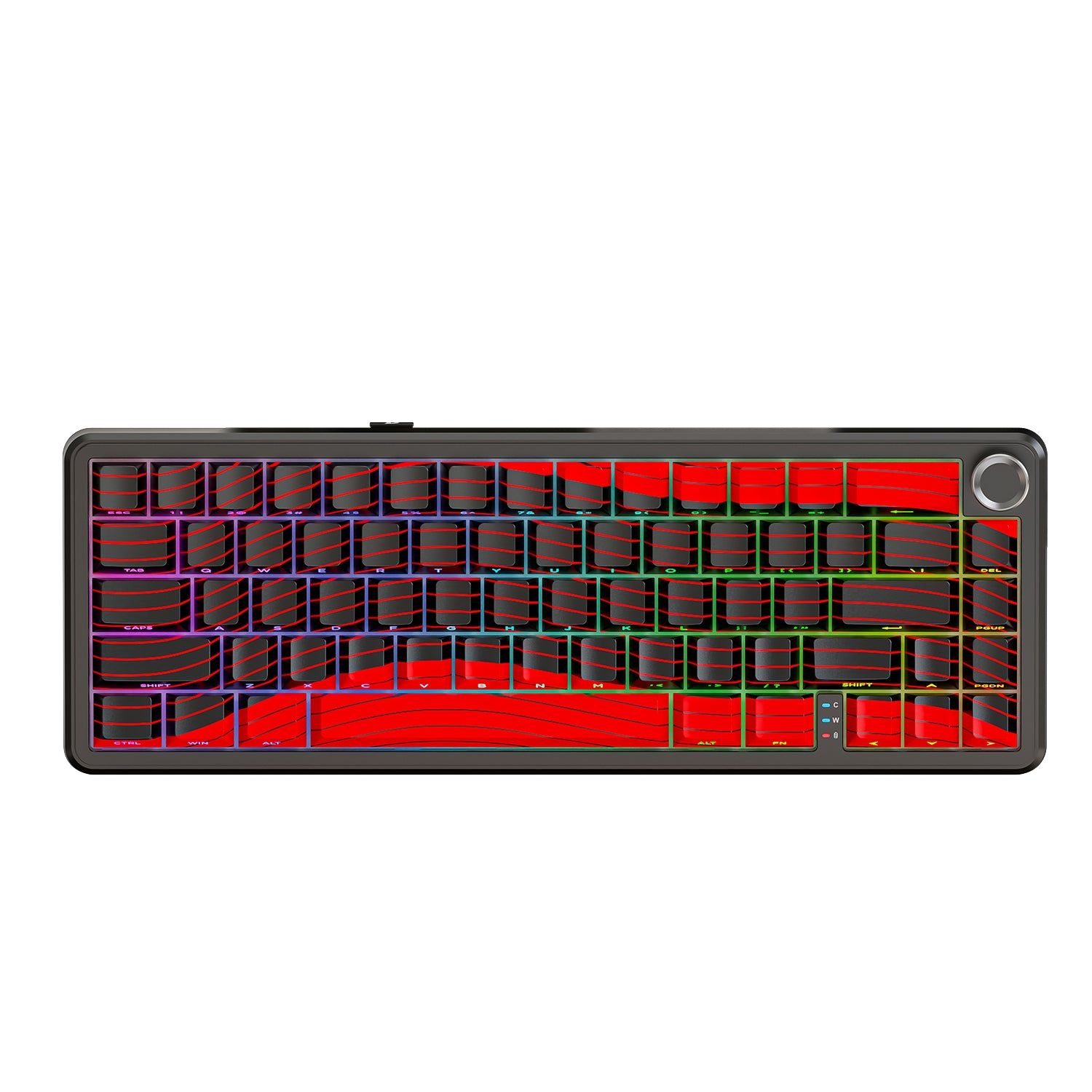
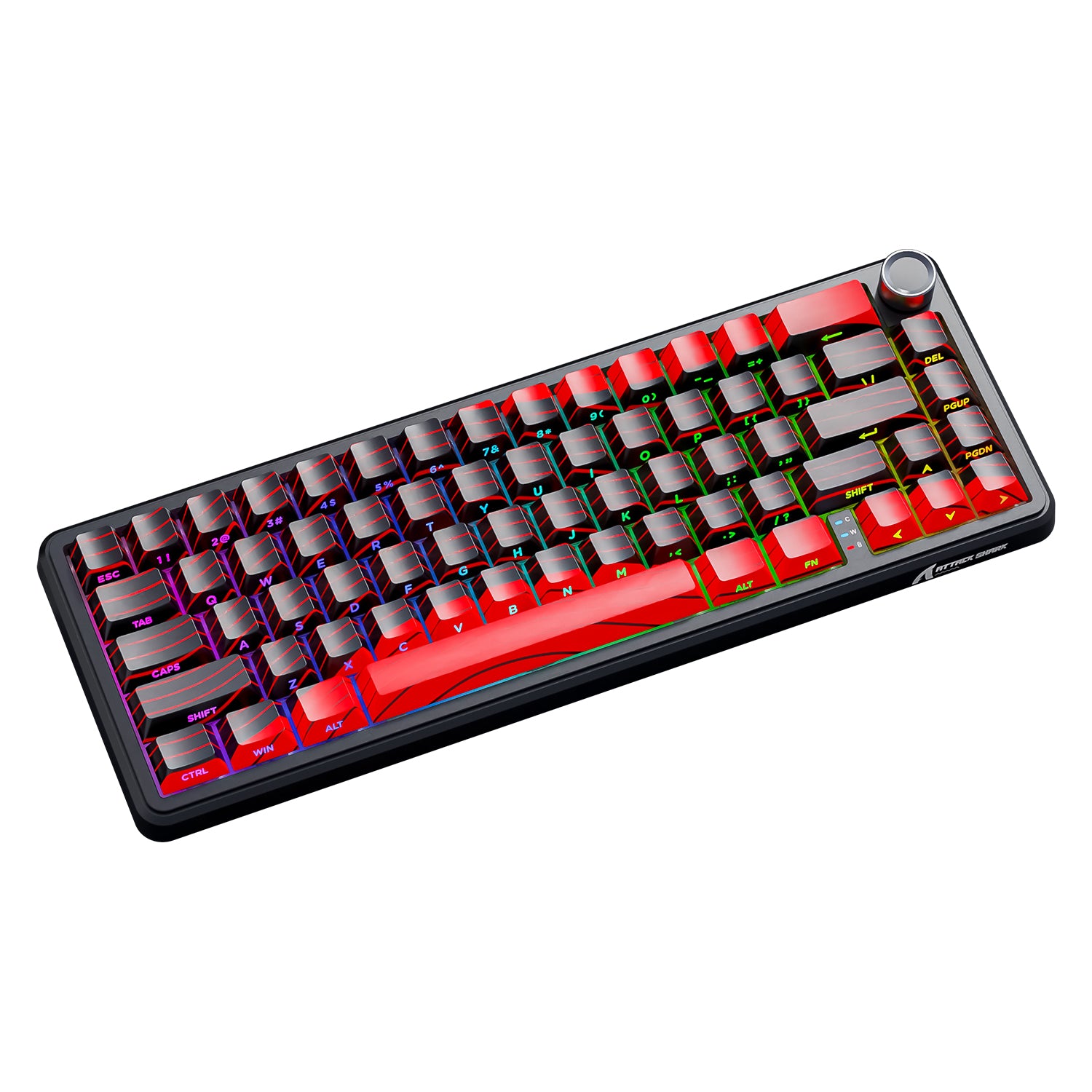
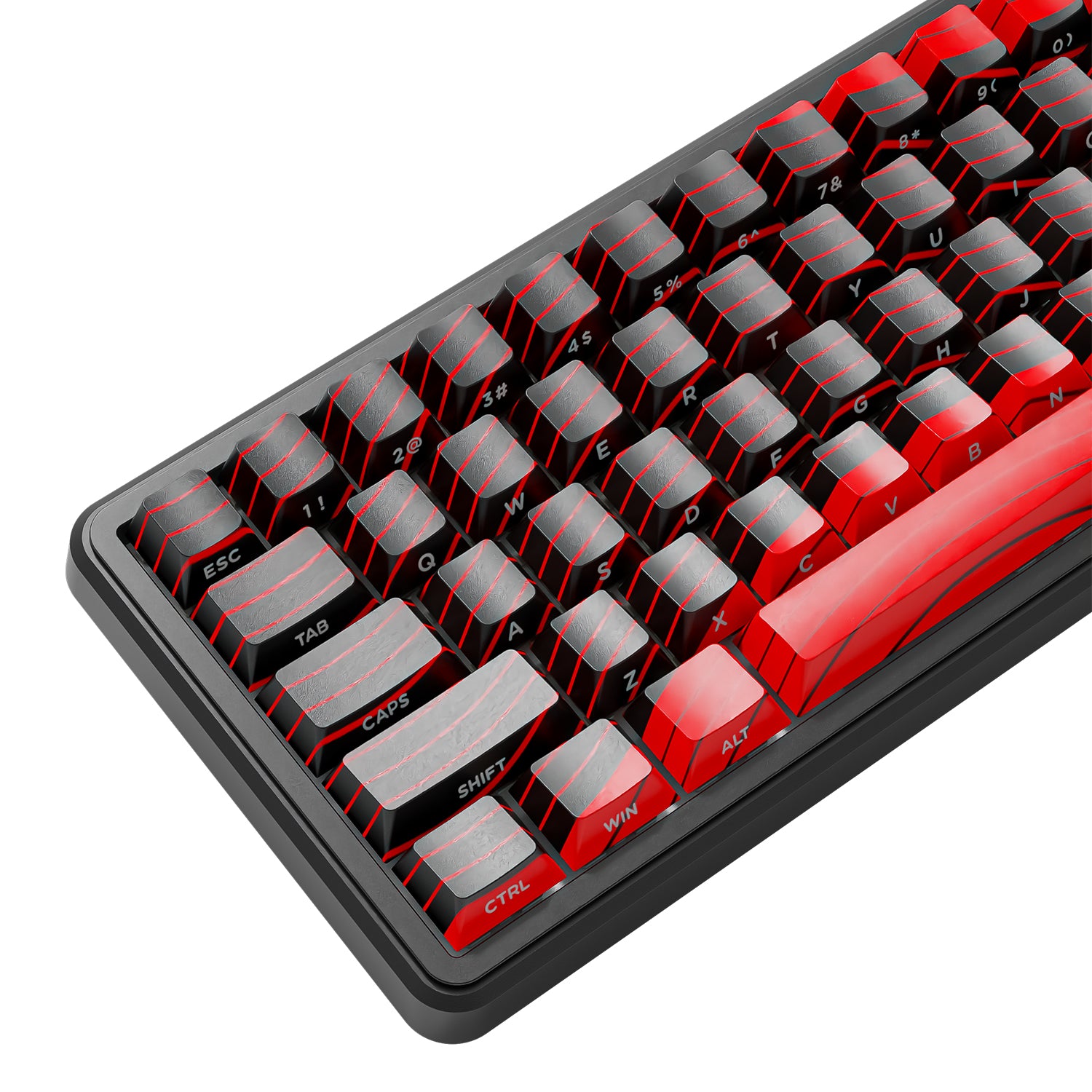
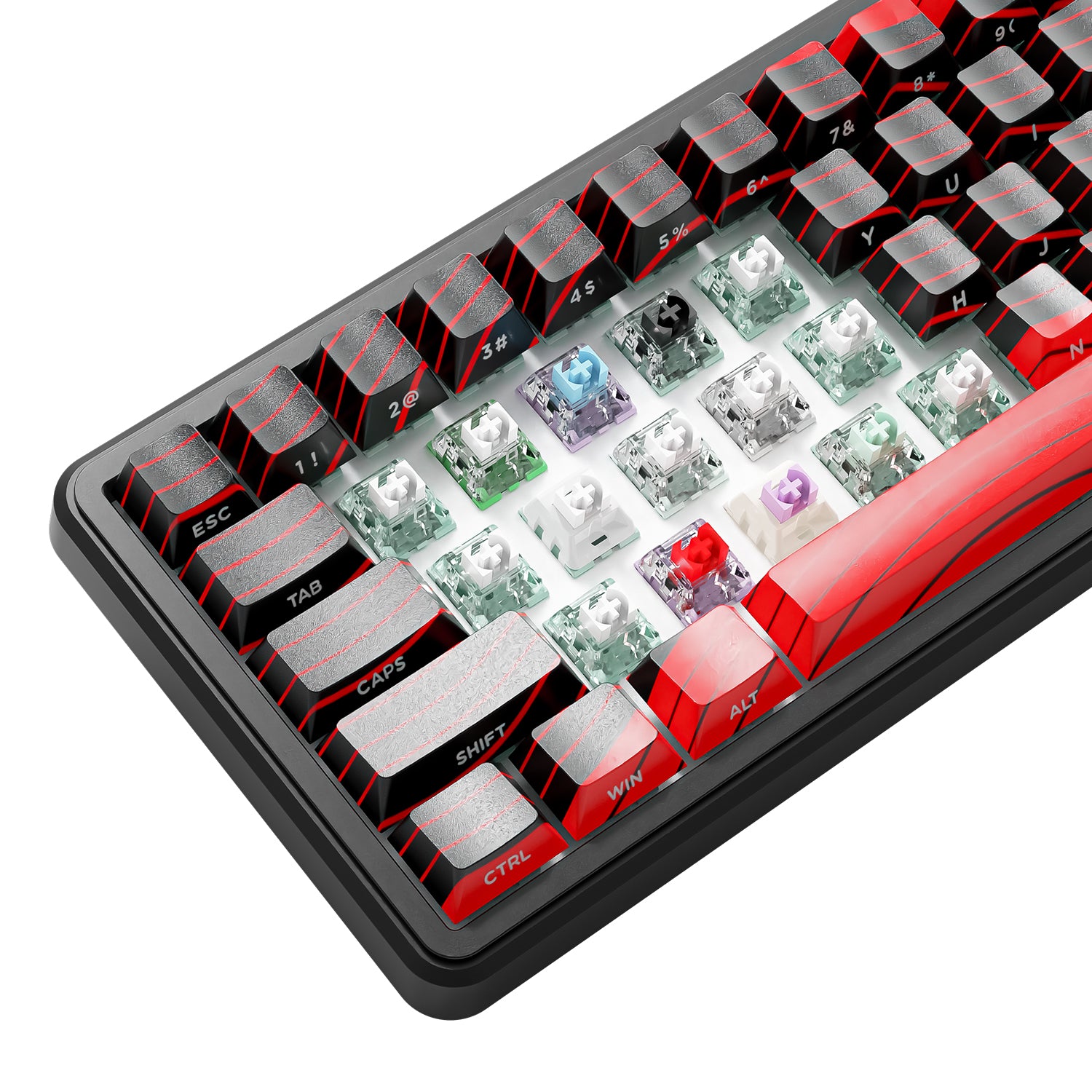
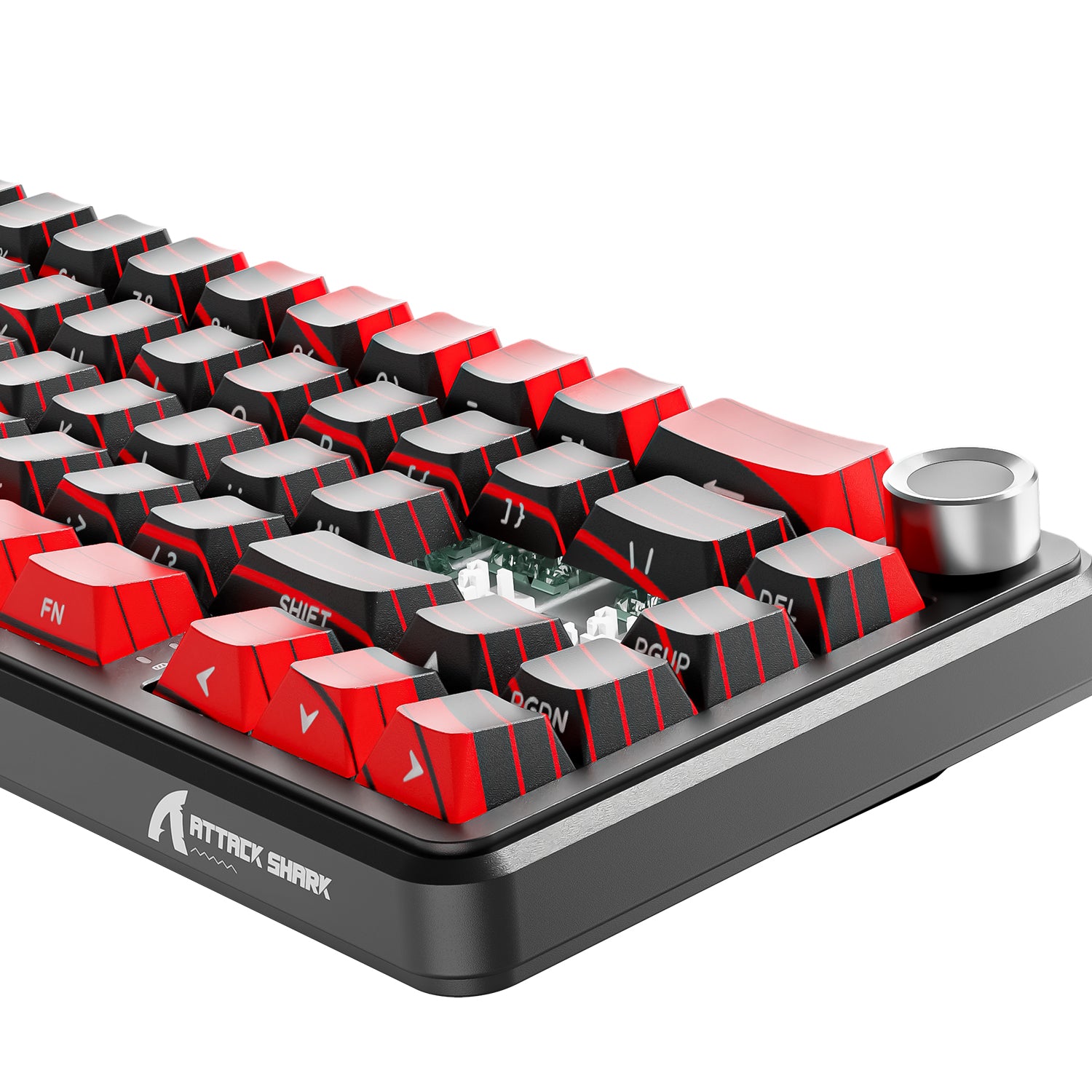
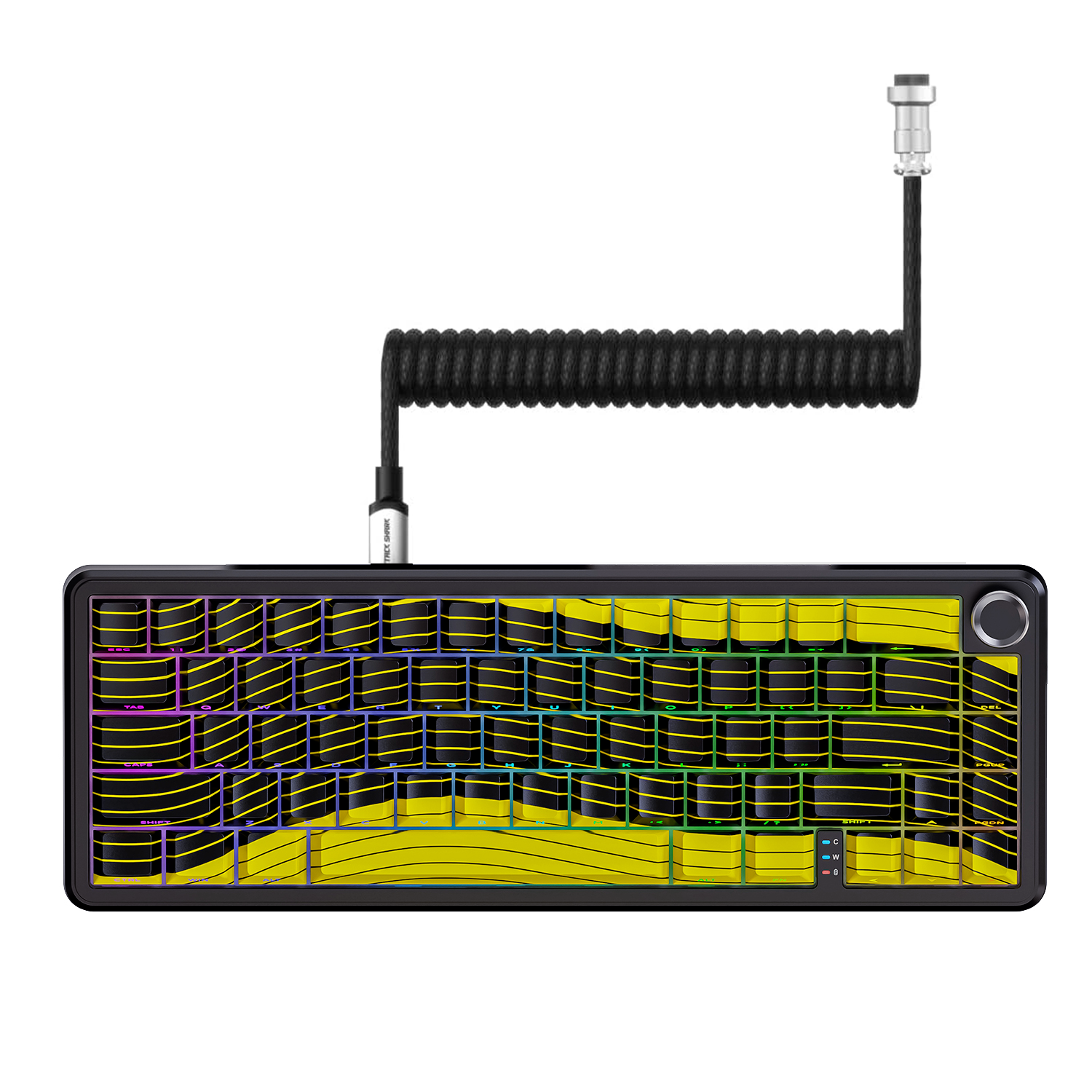
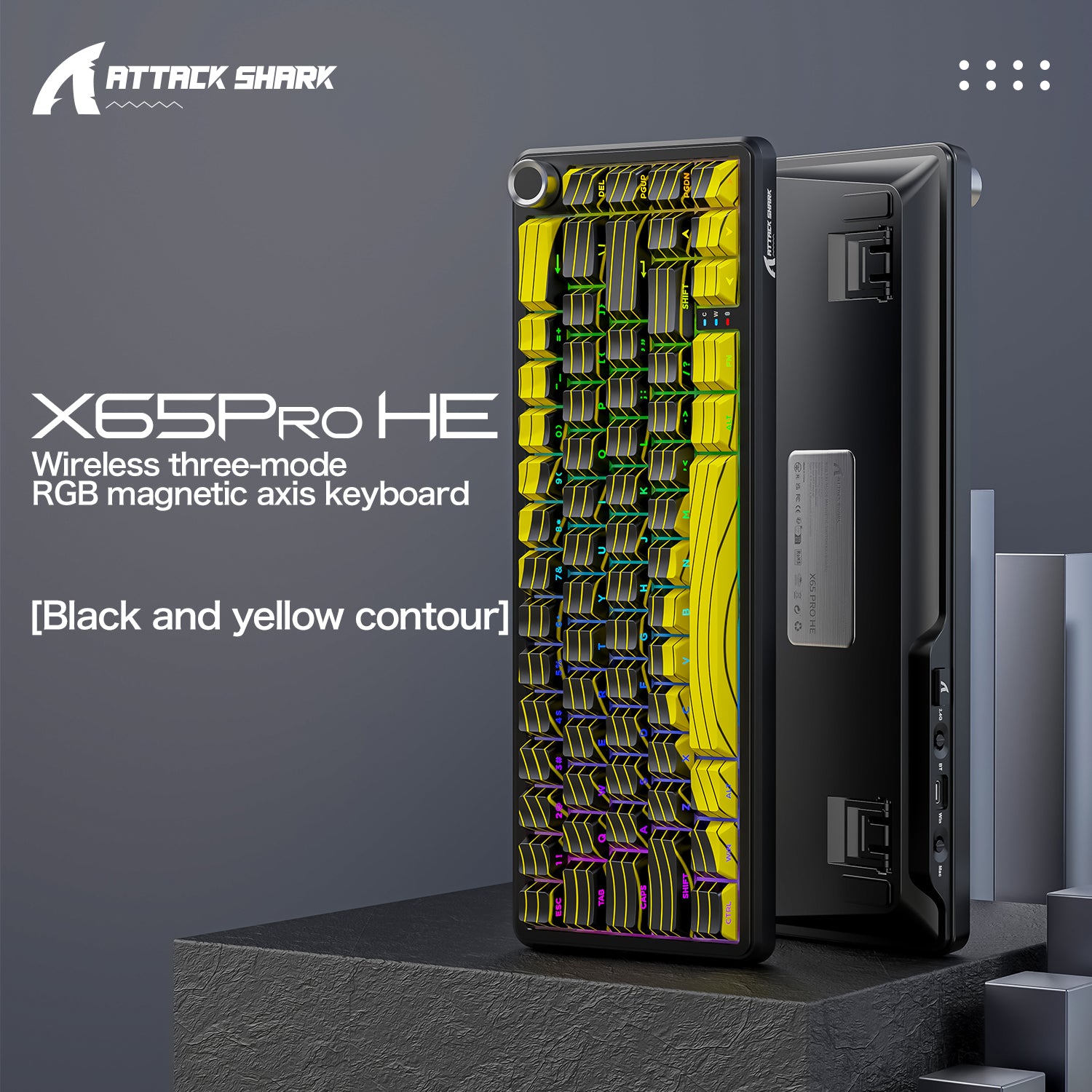
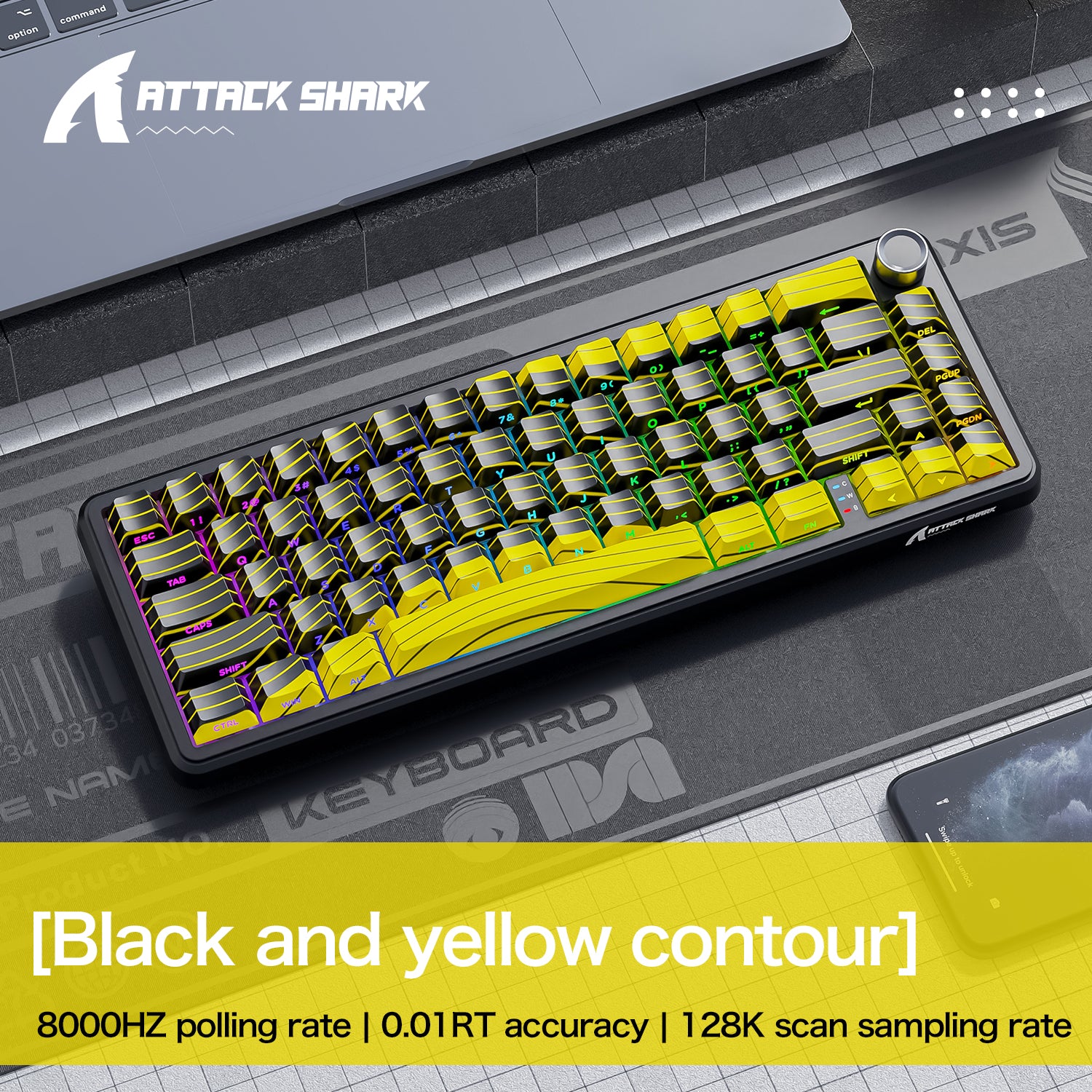
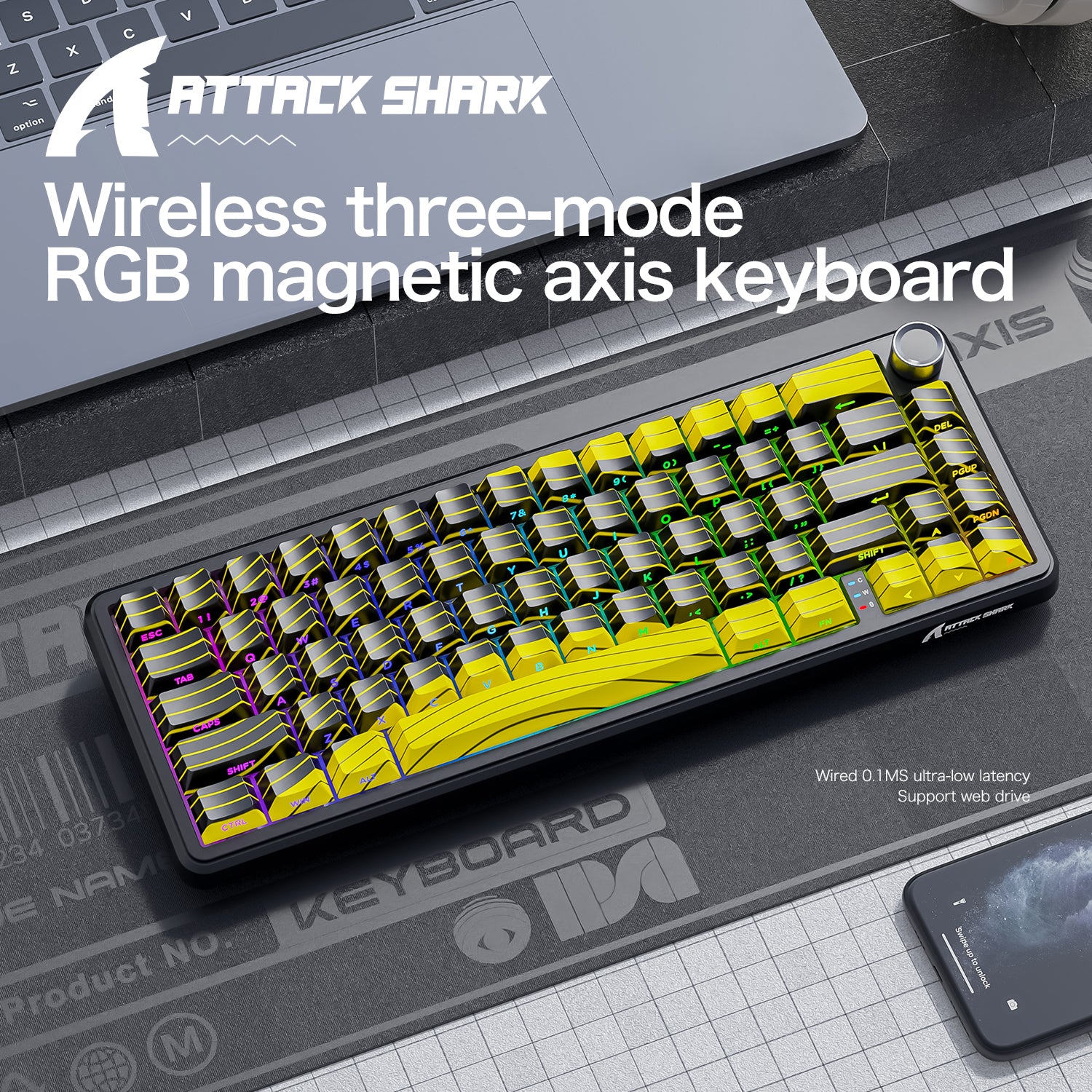
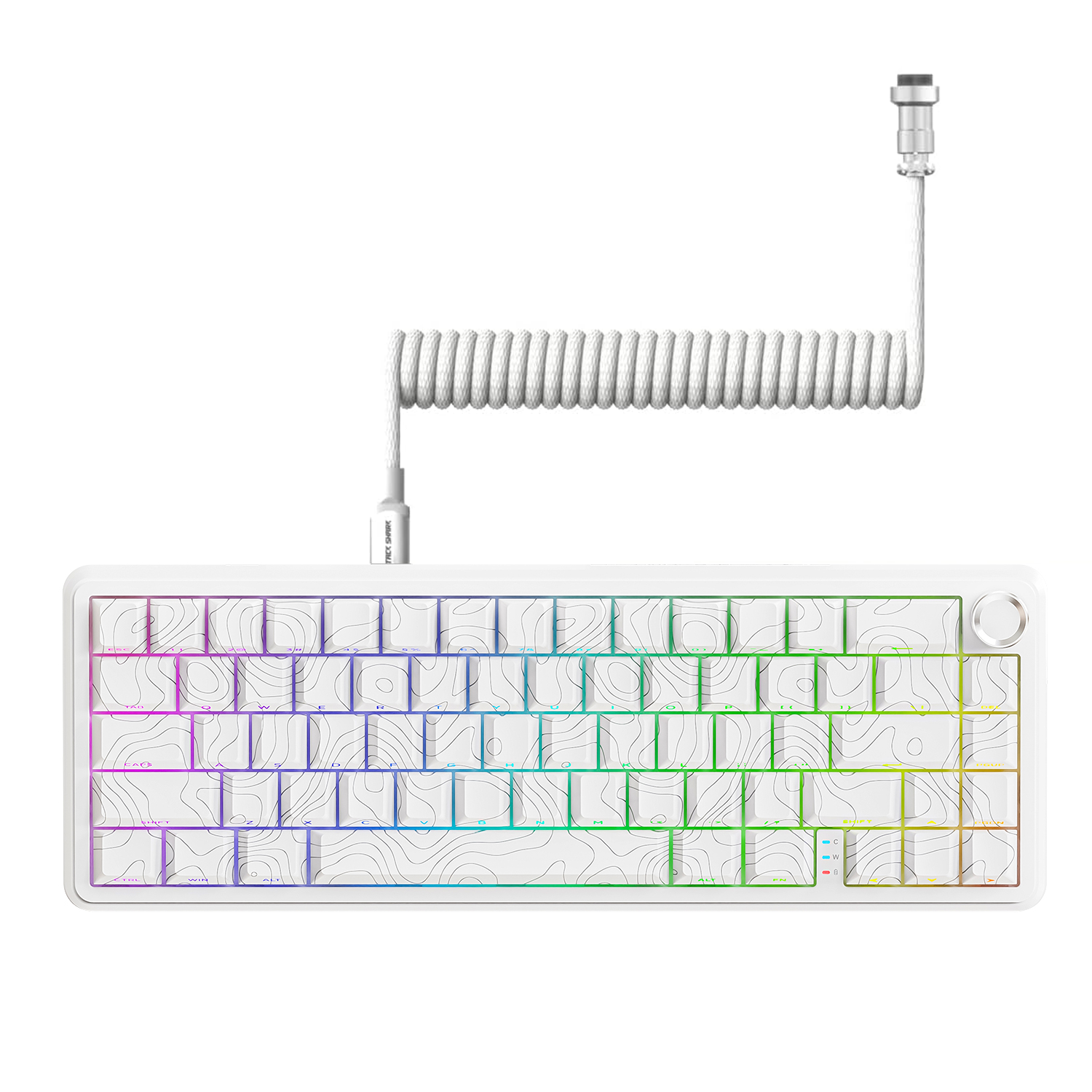
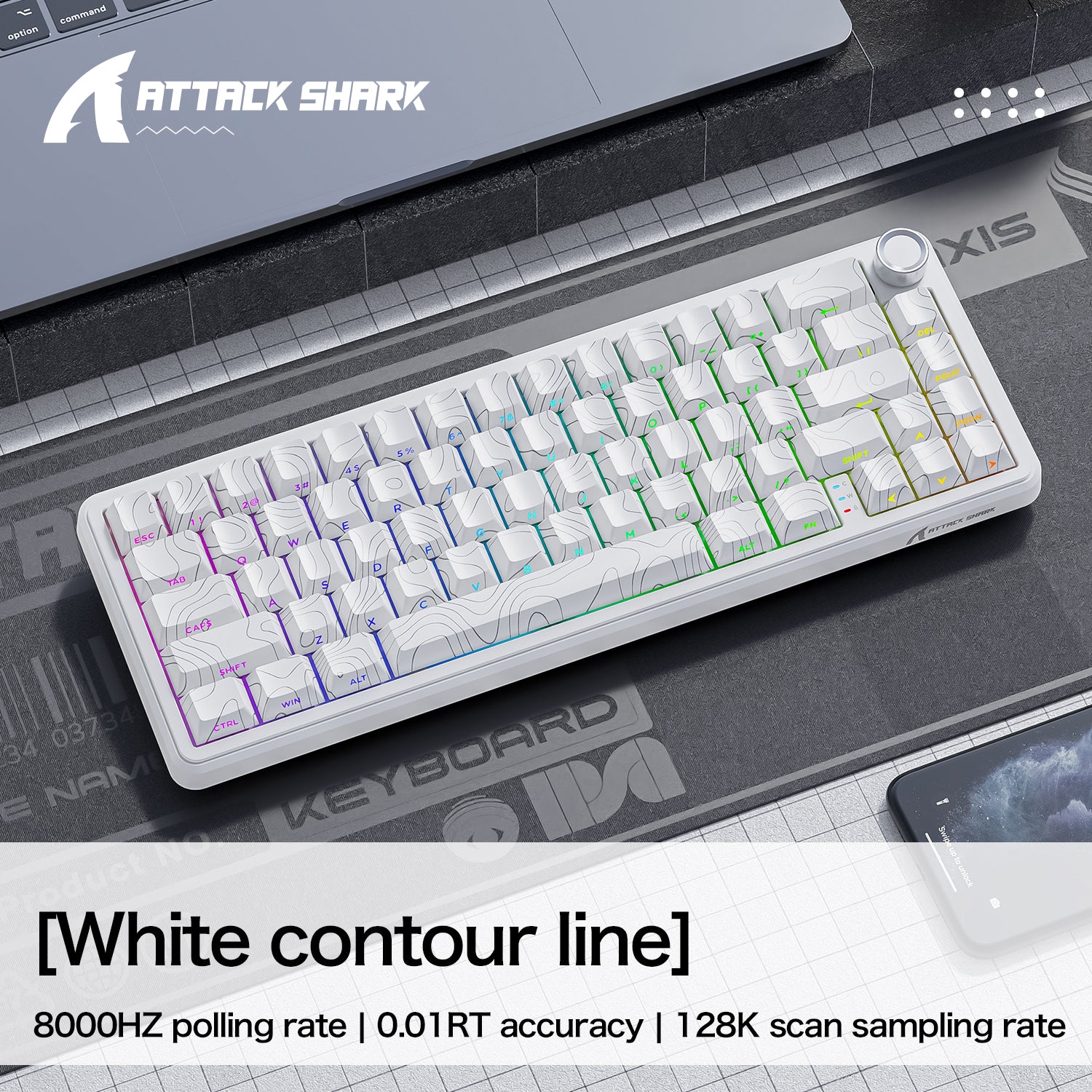
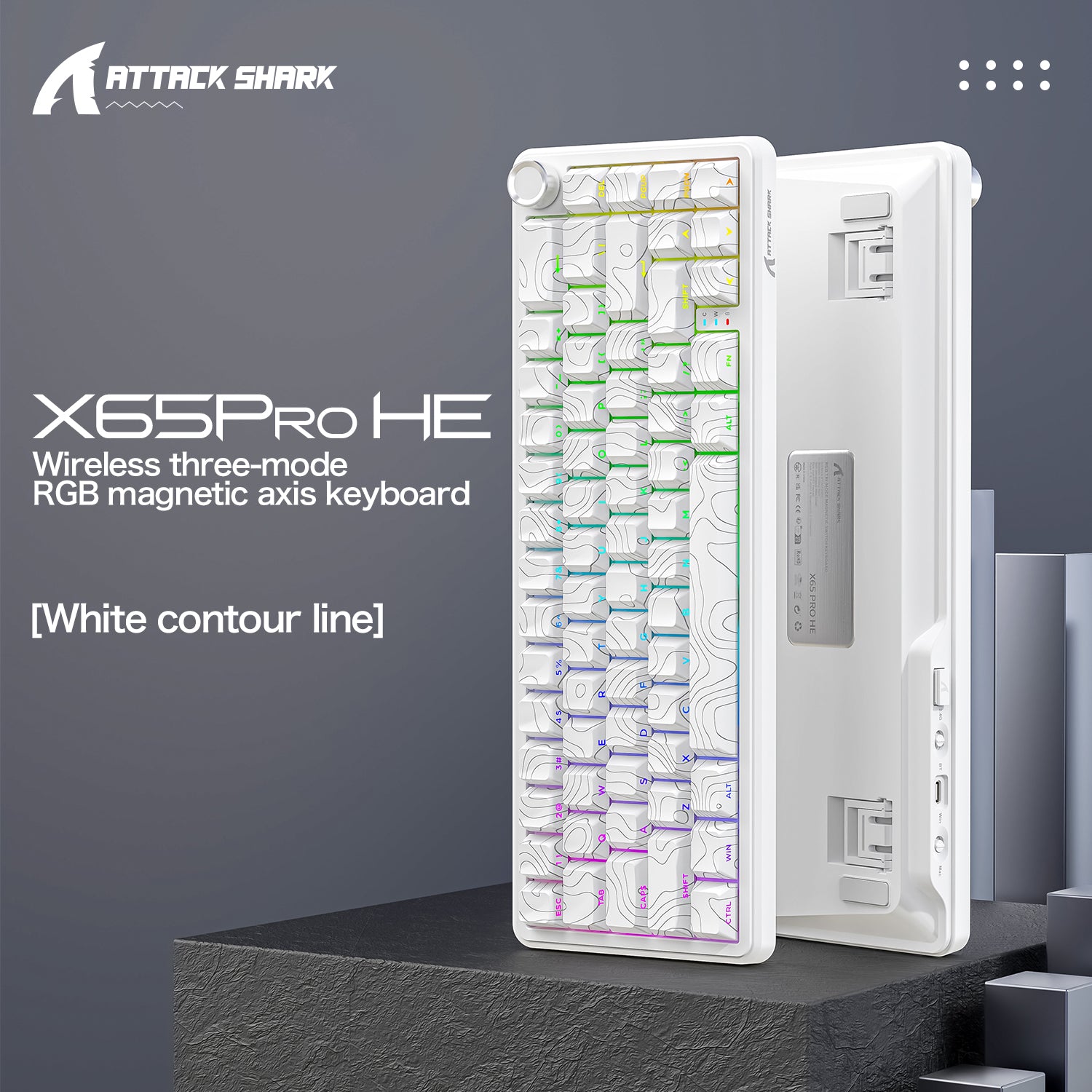
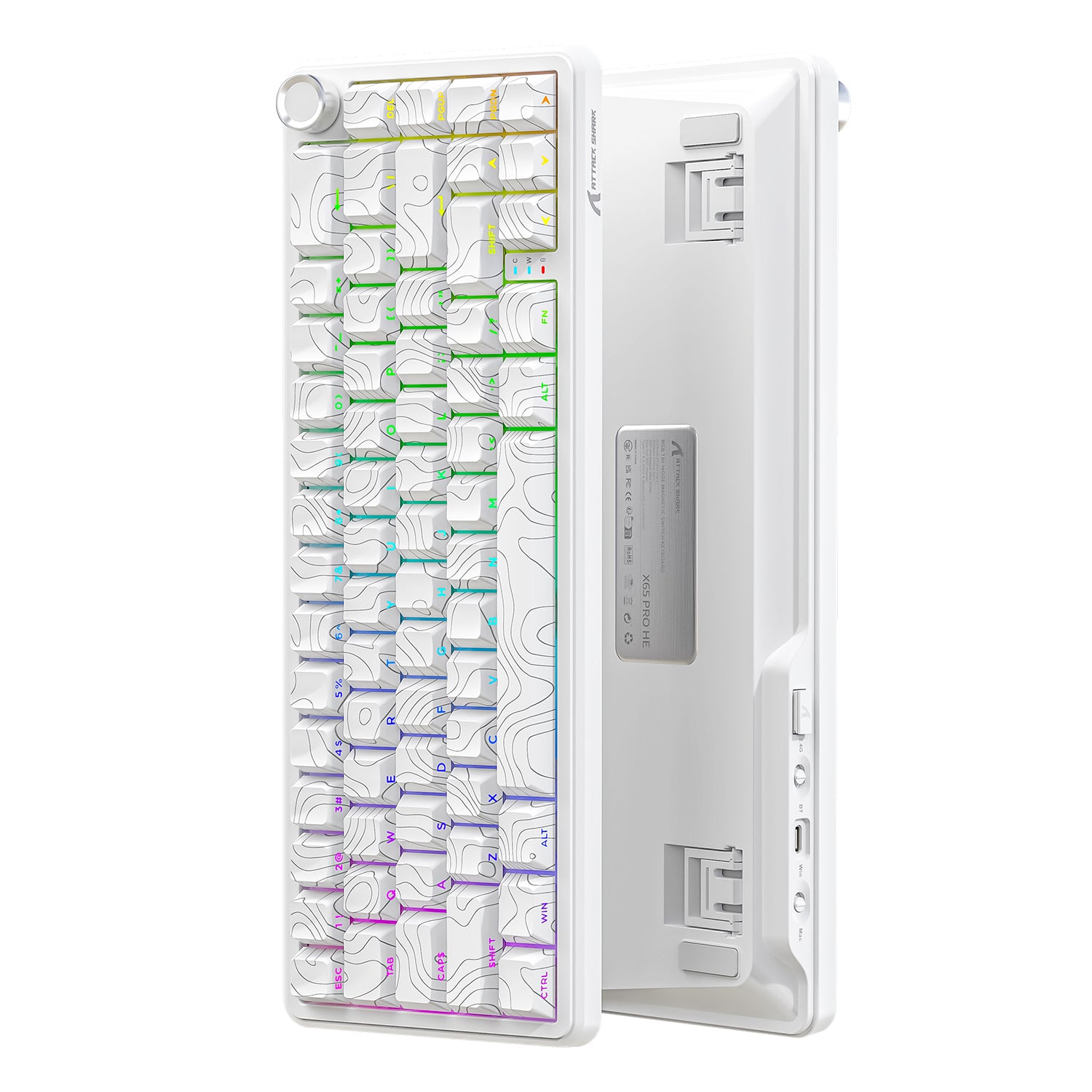
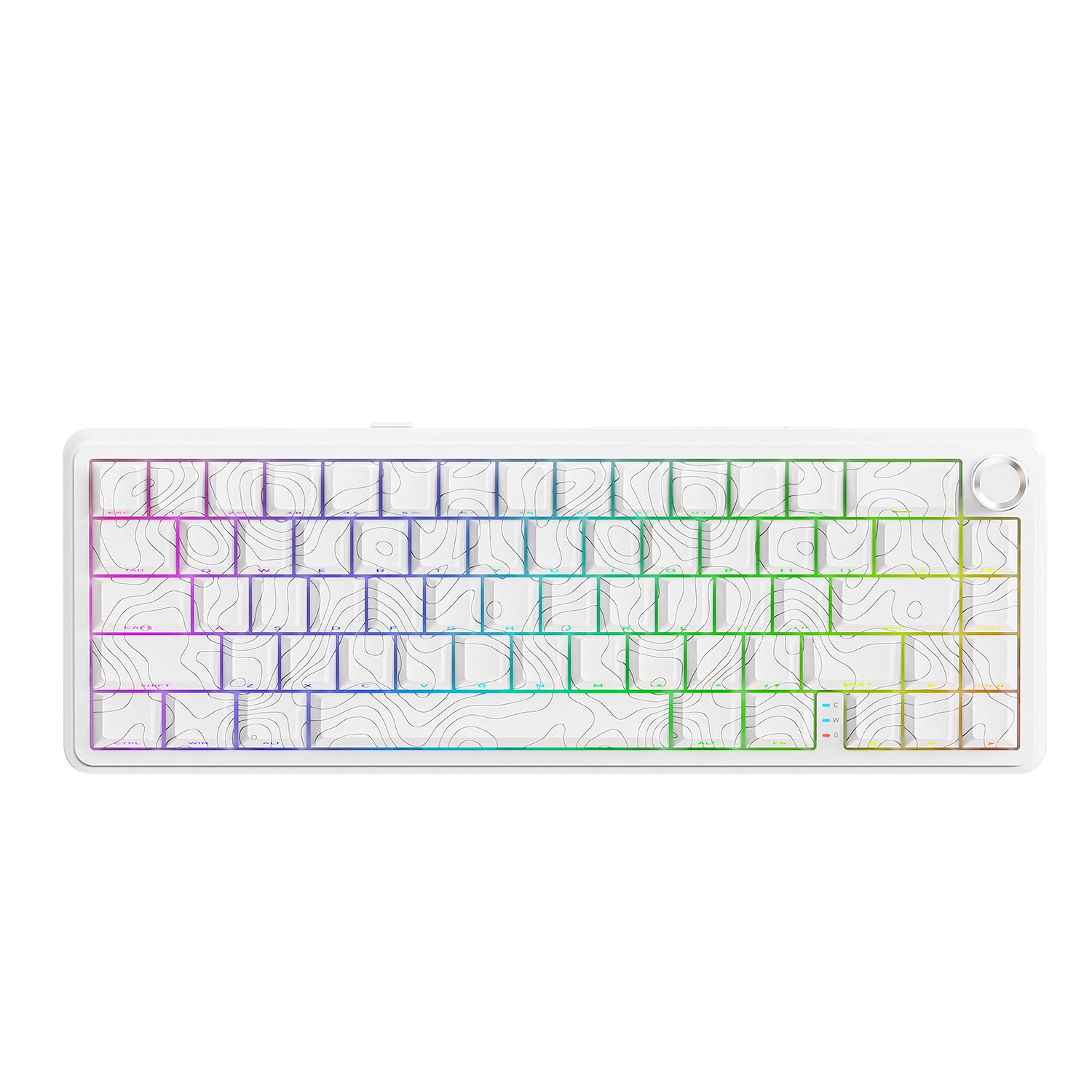
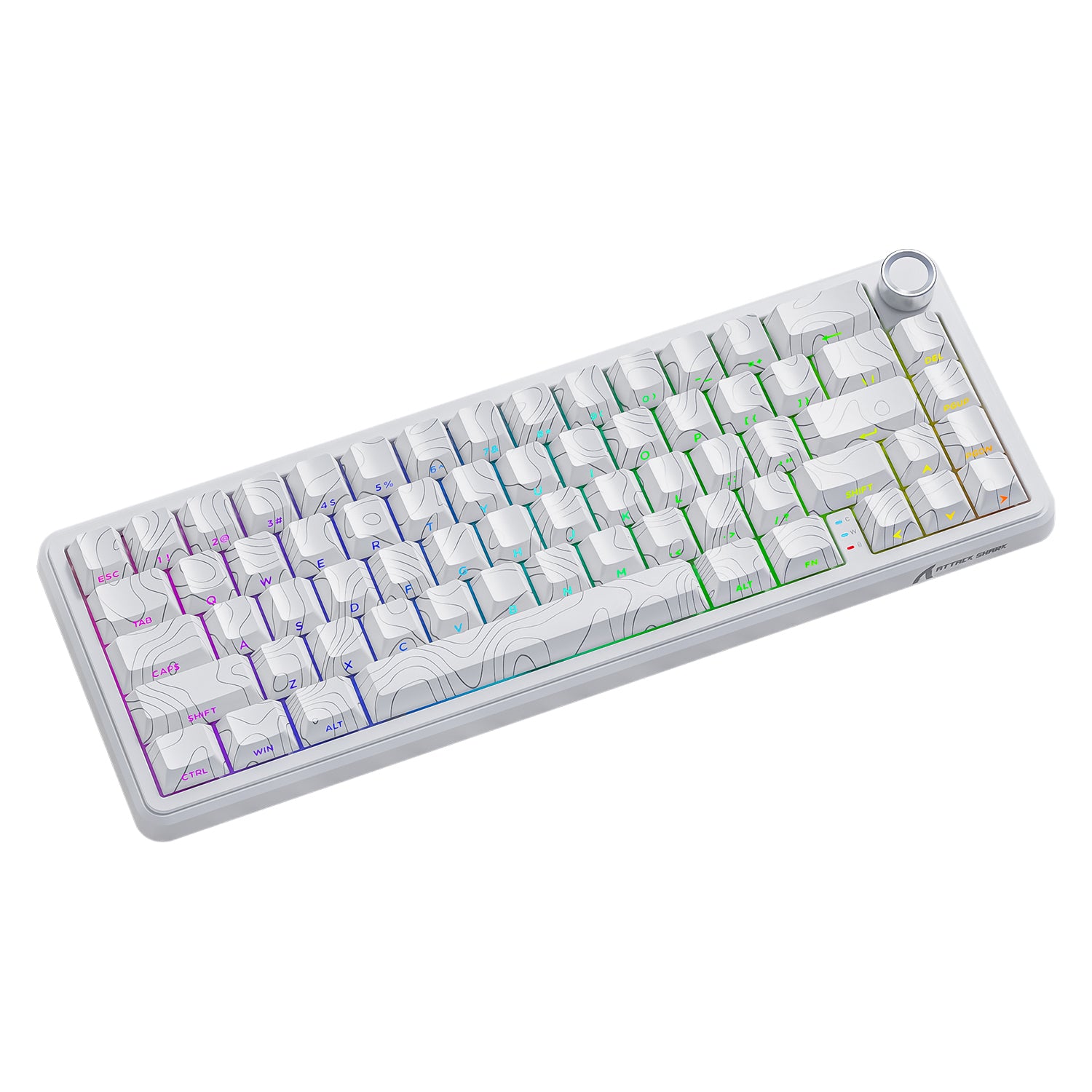
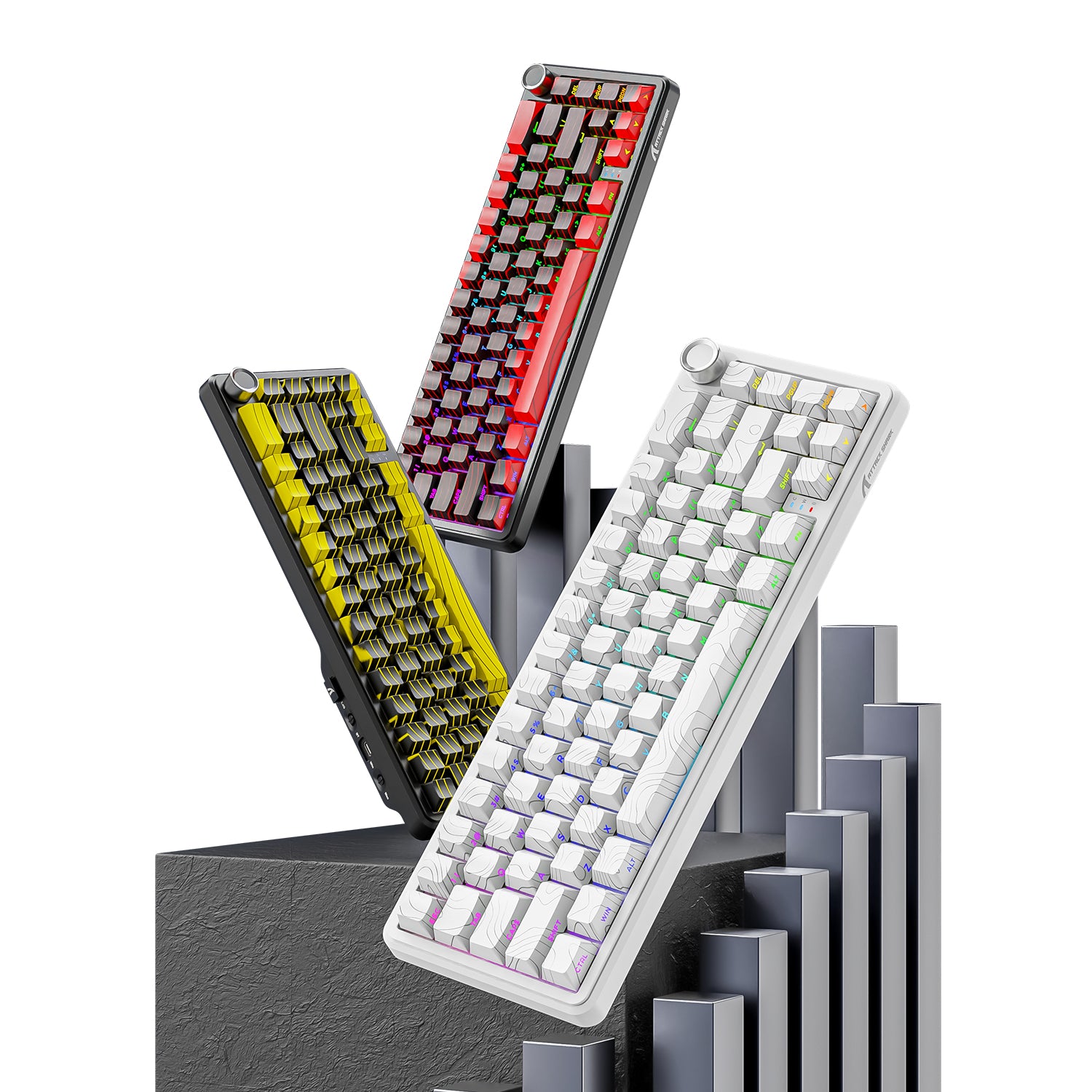
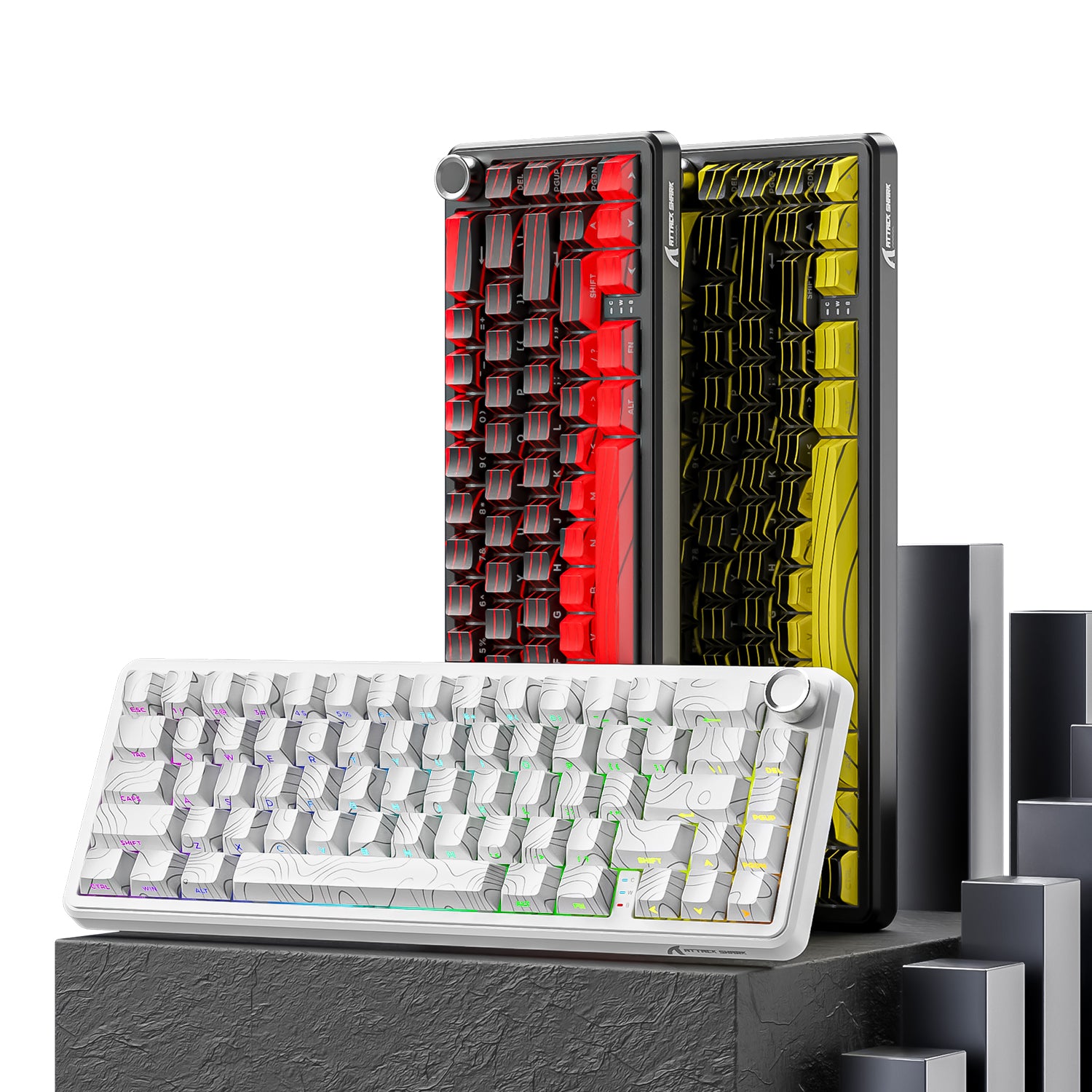
ATTACK SHARK X65 PRO HE-toetsenbord met snelle trigger
- Share:
-

-

-

-


Technical Specifications
WEB DRIVER
PRODUCTVERGELIJKING
| Model | X65 HE Bekijk het product | X65 PRO HE Bekijk het product |
|---|---|---|
| Modus | Bedraad | Bluetooth / 2,4GHz draadloos / bedraad |
| Achtergrondverlichting | 16M RGB met verlichting aan de zuidzijde | |
| Positioneringsplaat | Aluminiumlegering | |
| Geluidsdemping | Aluminiumlegeringsplaat + PORON-schuim + PORON-bodemschuim | Aluminiumlegeringsplaat + PORON-schuim + siliconen dempingspad |
| Constructie | TOP. Anti-ghosting voor alle toetsen | |
| Scansnelheid | 128K | |
| Latentie | 0,125 ms | |
| Pollingsnelheid | 8000 | Bedraad 8000 Hz, draadloos 1000 Hz |
| Sensor | Hall-effectsensor met hoge precisie | |
| Aanpassingsbereik voor Rapid Trigger | 0.01-3.4 mm | |
| Aanpasbare nauwkeurigheid | 0,01 mm | |
| Totale actuatieafstand | 0.01-3.4 mm | |
| Connectiviteit | Bedraad | Bedraad/Bluetooth/Bedraad |
| Materiaal van de keycaps | PBT | PBT en 5-zijdige dye-sub |
| Keycap-profiel | OEM/Origineel | |
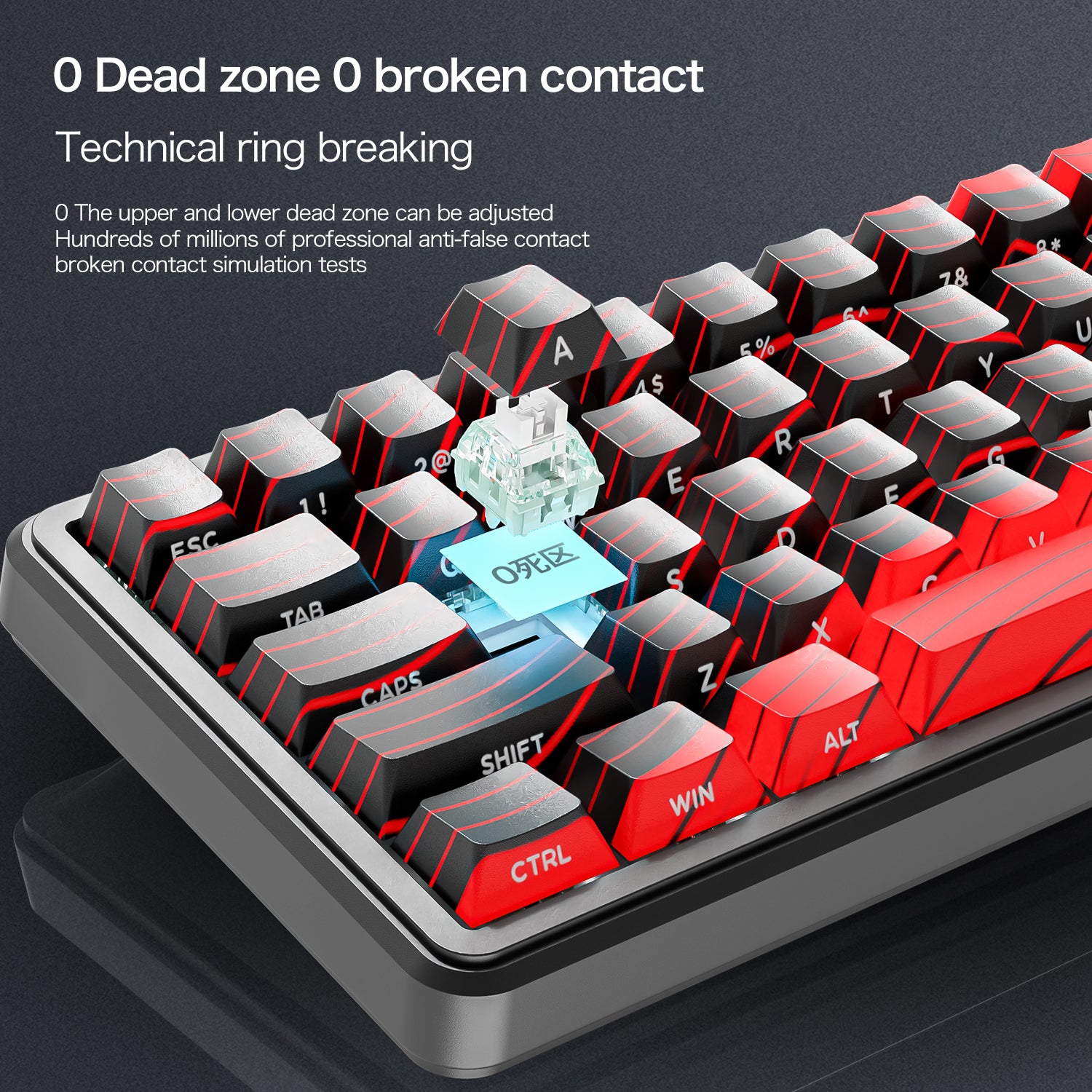
| Switch | Magnetische switches met hoge precisie | |
| Levensduur van de toetsen | 100 miljoen klikken | |
| Stabilisatoren | Gedemagnetiseerde stalen draad en fijn afgestelde satellietschakelaars | |
| Scherm | Nee | Ja |
| Multimedia-knop | Nee | Ja |
| Hot-swappable | Ja | |
| Indeling | 67 toetsen | |
| Software | Webgebaseerde configurator & pc-software | |
| Materiaal | ABS | |
| Batterijcapaciteit | Nee | 3000 mAh |
| Afmetingen | 32,5 x 11,8 x 4 cm | |
| Gewicht | 583 g | 645 g |


Magnetische switches van de volgende generatie
Omarm de nieuwe standaard voor gamers met de voorgelubde magnetische switches van ATTACK SHARK. Dankzij Hall-effectsensoren bieden ze snellere reactietijden, hogere precisie en een stabiele typervaring vergeleken met traditionele mechanische switches.

8000 Hz-pollingsnelheid voor nul vertraging
Ervaar razendsnelle respons met een pollingfrequentie van 8000 Hz en een ultrahoge scansnelheid van 128K, waardoor de toetsenbordlatentie wordt teruggebracht tot een ongekende 0,125 ms. Zeg vaarwel tegen invoervertraging en krijg het concurrentievoordeel waar je naar verlangt.

Volledige controle & aanpassingsmogelijkheden
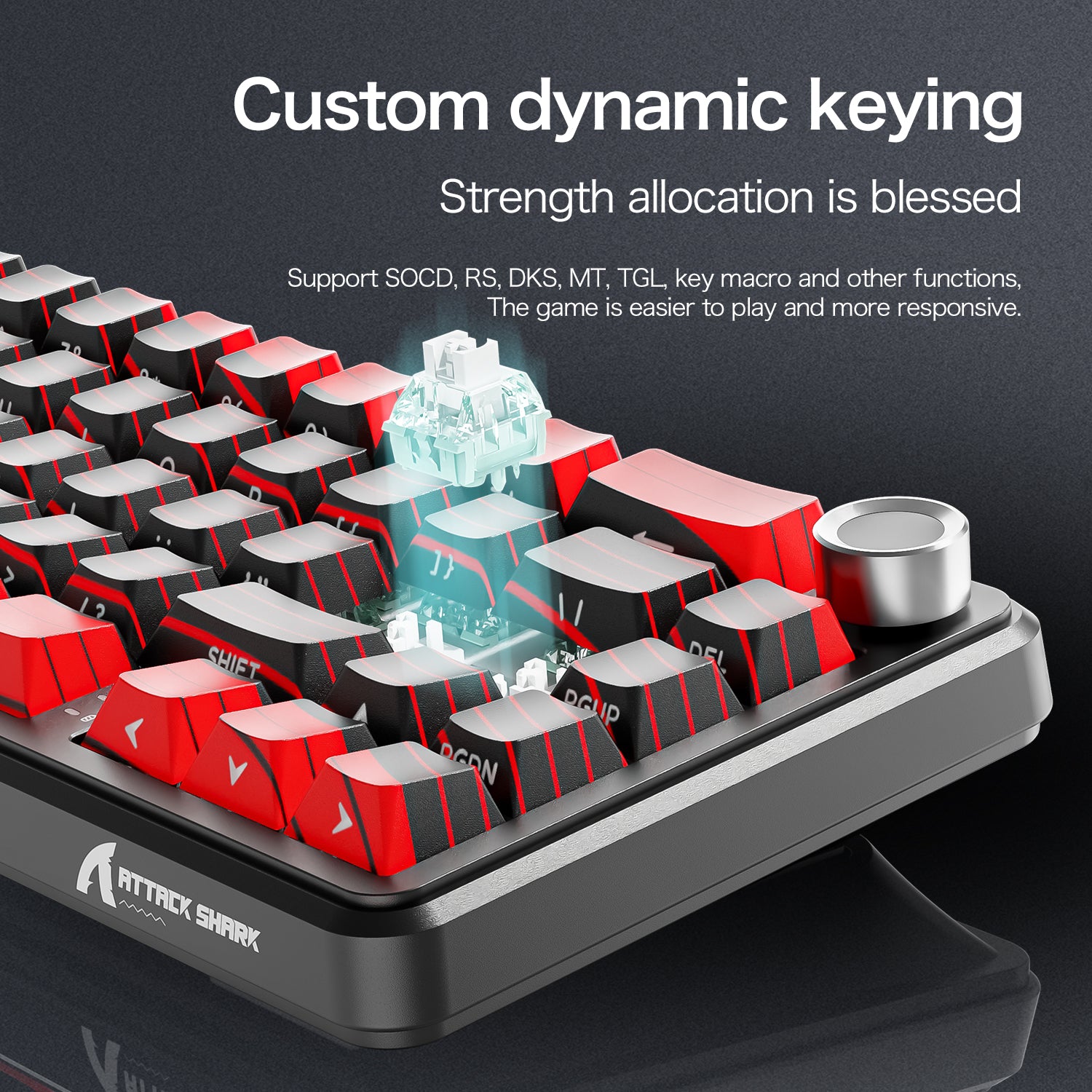
Stem de toetsgevoeligheid af op jouw voorkeur met instelbare activeringspunten van 0,1 mm tot 3,4 mm. Geavanceerde Snap Tap-technologie zorgt voor een snelle respons en je kunt meerdere functies aan één toets toewijzen om complexe opdrachten te vereenvoudigen voor optimale efficiëntie.

Intuïtieve webdriver
Met de zelfontwikkelde webdriver configureer je eenvoudig macro's, RGB-verlichting en prestatie-instellingen naar jouw persoonlijke voorkeuren, zodat je volledige controle hebt over de functionaliteit van je toetsenbord.
Webdrivers zijn veiliger en toegankelijker dan standaard driverdownloads.

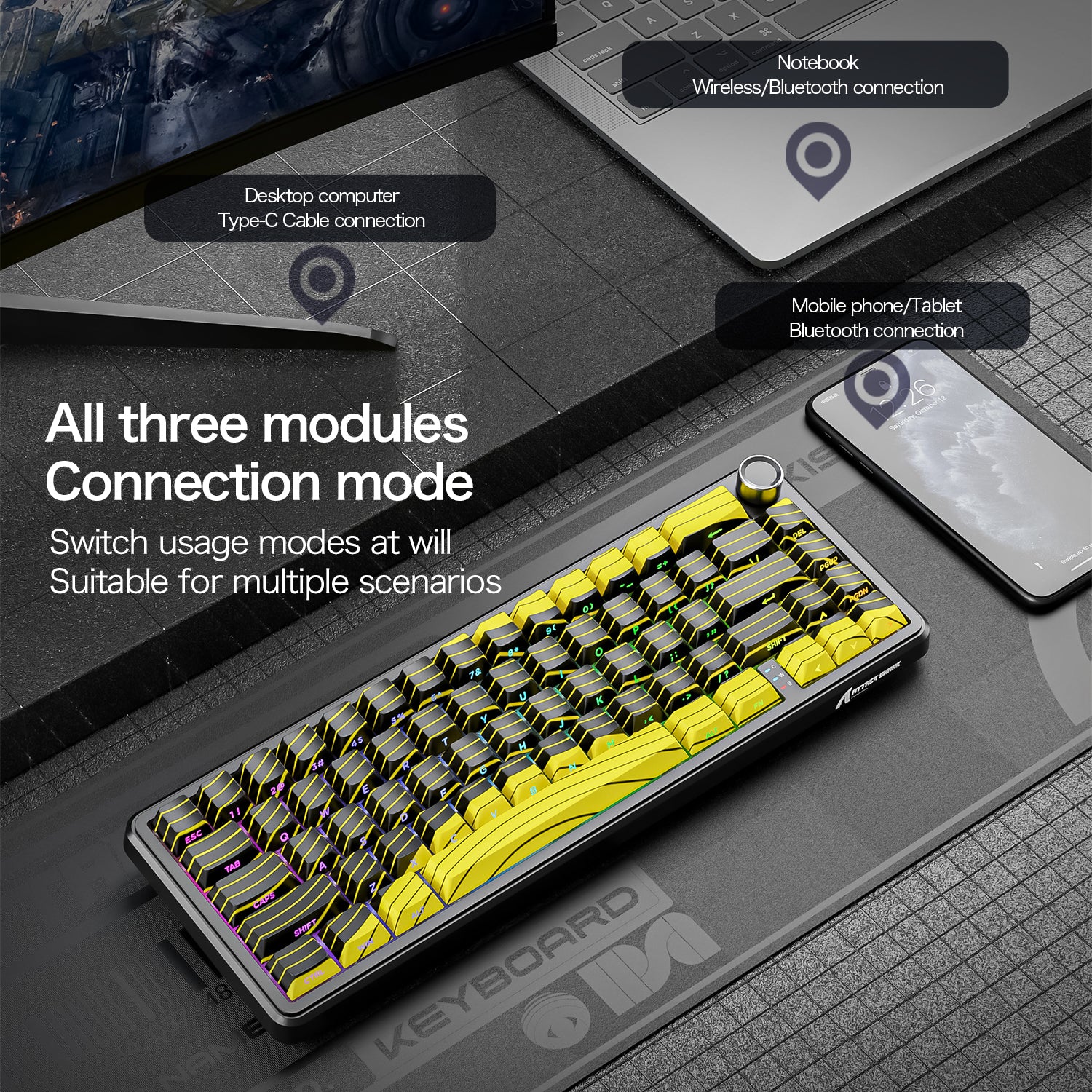
Naadloze connectiviteit in drie modi
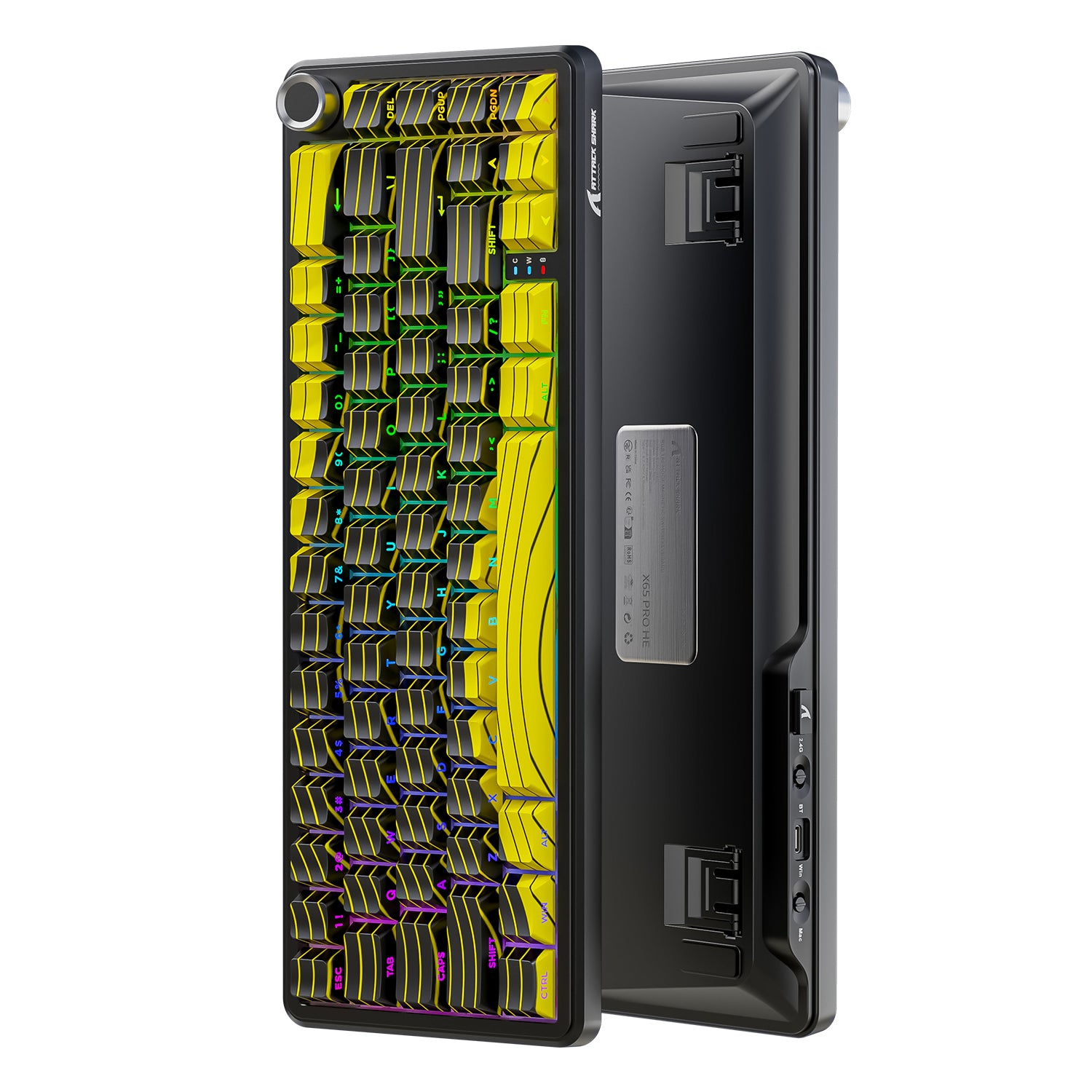
Schakel moeiteloos tussen bedrade, Bluetooth- en 2,4GHz-draadloze modi. Dit veelzijdige ontwerp zorgt voor universele compatibiliteit en betrouwbare, vertragingsvrije verbindingen thuis, op kantoor of onderweg.

Premium constructie & levendige RGB
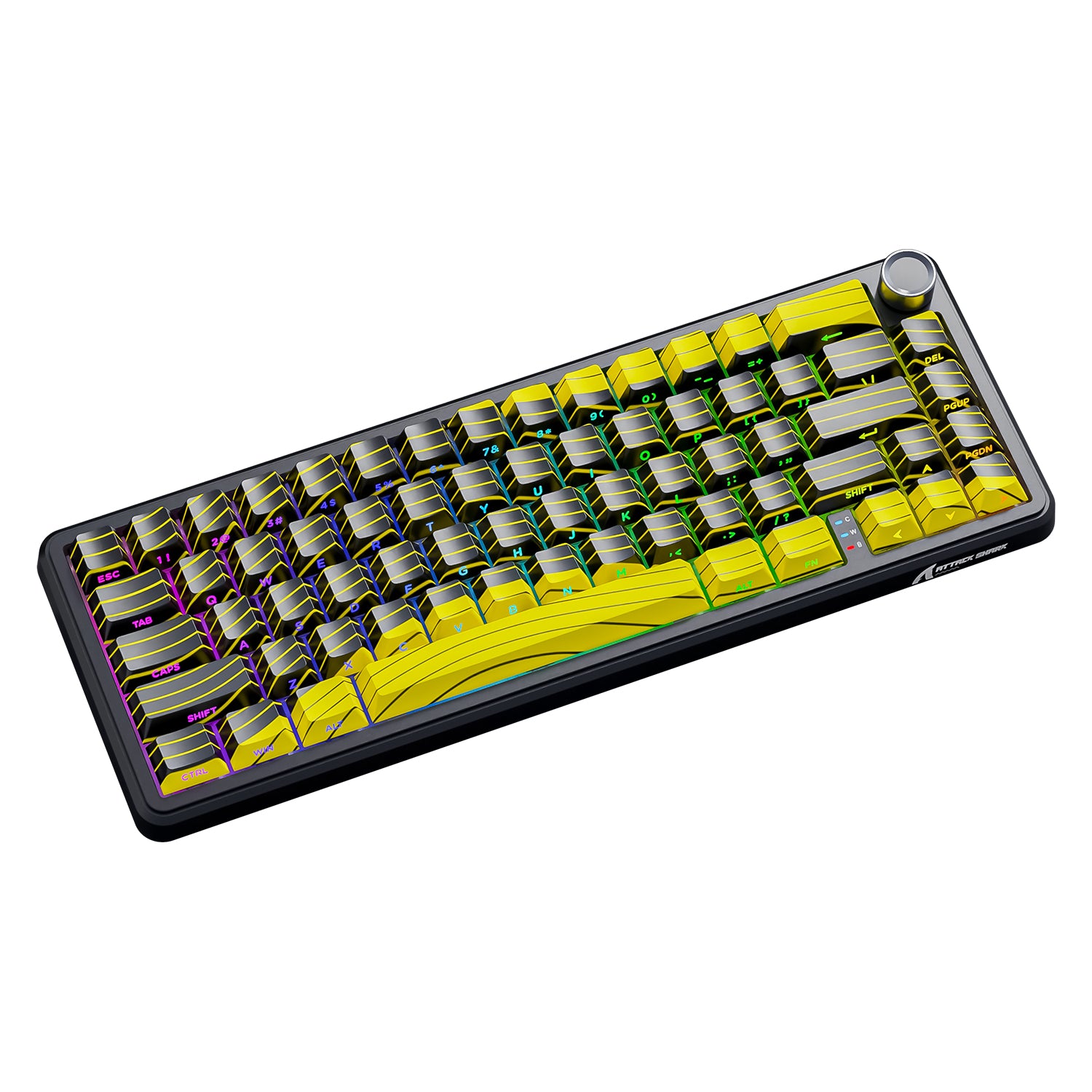
Duurzame, aan vijf zijden geverfde PBT-keycaps zijn bestand tegen slijtage en vervaging, terwijl RGB-verlichting met 16 miljoen kleuren eindeloze aanpassingsmogelijkheden biedt. Met 22 dynamische lichteffecten creëer je een meeslepende sfeer voor elke setup.

Très bon clavier la frappe est bonne le bruit également bon, très réactif, avec le dongle c’est instantané le switchParamètres richesSeul bémol le logiciel est na pas le français ça peut être chiant pour certainEt c’est un qwerty faut s’y faire mais aucun soucisC’est équivalent à un clavier premium des plus grosse marques

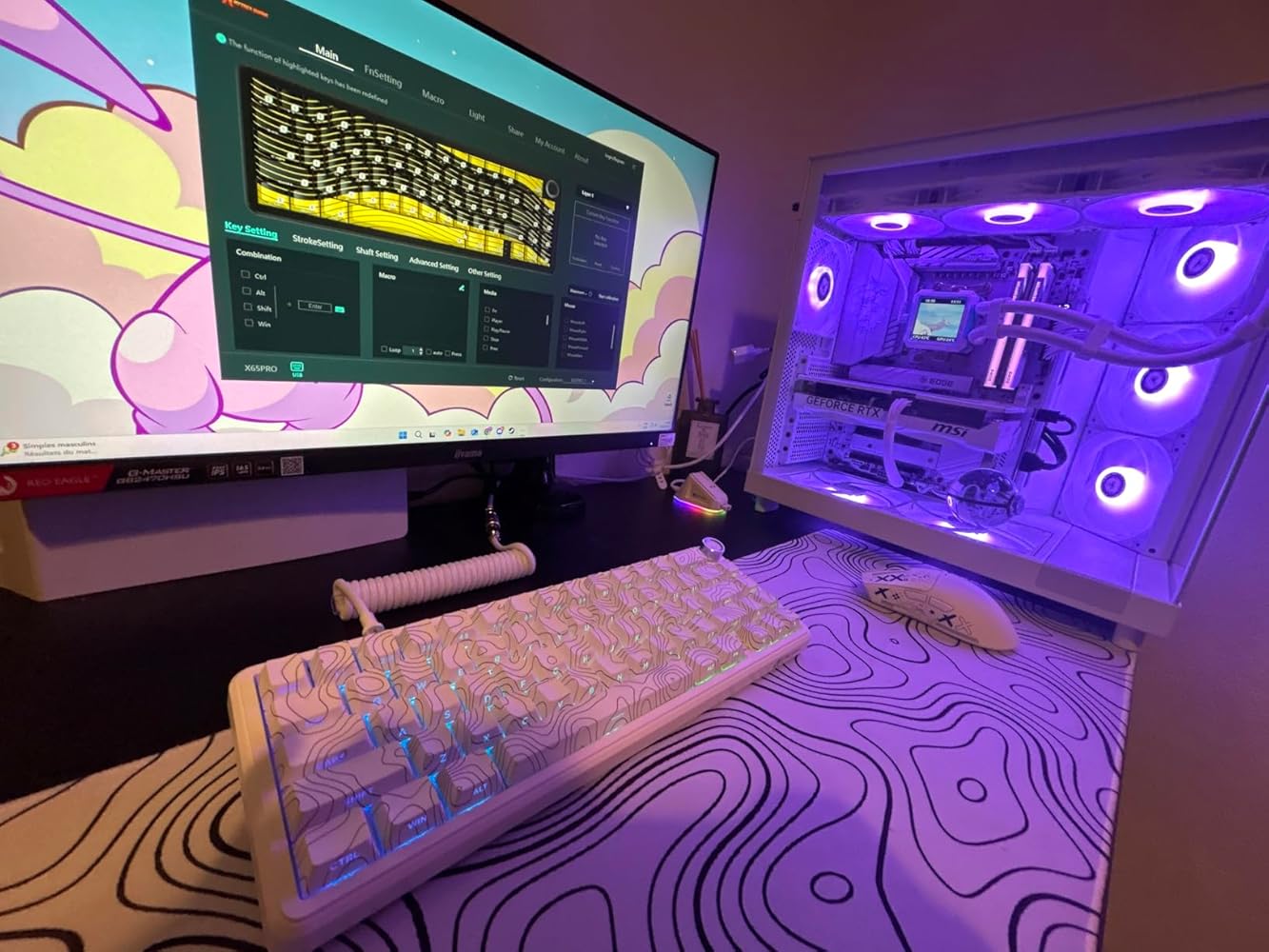
This is a review of Attack Shark X65PRO HE Rapid Trigger Magnetic Keyboard, white color.The software control is excellent and perfect. There is an offline software, and also web based software. Both provide same options and UI also same.It allows to control Rapid trigger, various magnetic switch specific controls such as distance to press to activate button. Background RGB is fully configurable. Per key configuration, any combination of RGB color is possible. There is also a tab where other people have shared various RGB configuration. These configurations can be easily downloaded and applied to the keyboard. It also allows us to share any RGB configurations we create with other people.There are three color options: Red, Yellow, and white. The red and yellow are not symmetric and hence I skipped those. I chose the white option.The white key caps have black contour lines in black color. The size and shape are excellent. The labels of the keys are not printed on the top. Instead those are at the side, visible to the user when typing. This is new to me and I needed few days to get used to it. The keys F and J have small horizontal bars which allows touch typing, without looking at the keyboard. These bars should have been a bit more prominent to help with touch typing. There is no such bar for any other keys. I usually prefer to have such bar to the down arrow key and delete key but here that is not a problem because arrow keys are arranged in the right bottom corner and there is a small space between Fn key and left arrow which makes it easy to put my fingers correctly on the arrow keys without looking at the keyboard.The key caps are not the smoothest to touch.There is a volume knob. This wobbles too much. This is not good. It should have been stable. Also it is too tight to rotate. The top of the knob is probably aluminium and it is difficult to rotate it with one finger because the aluminium is slippery. Pressing the volume knob also mutes/unmutes the volume.Initially when I opened the box, there was one cable on the top of the box. It has USB A male in one side and 4 pin round connector on the other end. I was surprised to see this and was wondering whether it is a mistake. I examined the keyboard and saw USB C socket. I wondered why unusable cable was sent. But then I opened the box further to see other accessories and I saw another cable that has USB C connector on one end and round connector on the other end. Those two wire parts together makes it USB A to USB C cable end to end. The design of the cable is excellent. It gives a premium feeling. It feels like braided nylon.The keyboard makes noise only when the keys bottom out and tops out while typing. I would have liked more if it were to make no noise at all.This key typing noise sound looks like engineered because it does not sound cheap.For example, I have seen other cheap keyboards that make sound, with hollow housing. But this keyboard is definitely not that.I like the keyboard layout. There are almost all the important keys straightaway without using any Fn key.There is no Home key. This is definitely something I am missing a lot with this keyboard. To use end key Fn + PgUp has to be pressed. There are many other useful keys that can be pressed with combination of Fn key. None of these secondary functions are printed on the keys. This makes it hard to use but this should not be taken as a problem because they keys can be assigned different functions using the software and if label were to be printed then it would have made the keys ugly. The user has to memorize or write down the secondary functions. Perhaps I can put some stickers on the keys for the secondary functions.The switches are hot swappable.Both legs closed, small legs open, large legs open -> These are three angled position options.It can also be used with Bluetooth, 2.4G wireless. So, all connectivity options are included.I am typing on this keyboard with very good fluency and I just want to keep typing. That's why this review is this long!The only slightly noticeable but insignificant issues: Wobbling volume knob, too tight volume knob which cannot be turned with just flick of a single finger, missing Home button by default even with Fn combination,There is one more issue. There is no way to limit the battery max charge to 80 %.


Esta es la primera vez que pruebo un teclado que tiene una rueda para el volumen del ordenador, además si presionas la rueda silencia y deja de silenciar el sonido.La otra característica destacada son sus tres modos de conexión, que puede ser por cable, por bluetooth o con 2,4 GHz usando un receptor USB que viene insertado en la parte de arriba del teclado y debe conectarse al ordenador. Yo he usado este último modo de conexión y he probado a separarme hasta doce metros del ordenador y la señal desde el teclado sigue llegando. Cuando tiene poca batería la retroiluminación se apaga y es tu señal de que toca cargarlo (esto también pasa si llevas un rato sin usarlo), a pesar de que haya que cargarlo me resulta más cómodo en modo inalámbrico.También tiene un switch para elegir entre Windows y Mac, según el ordenador que utilices, toda esta información está las instrucciones.Antes de este he tenido dos teclados mecánicos de Aula y en el primero de los dos una tecla dejó de funcionar de forma permanente, fue imposible de arreglar aún sustituyéndola. En comparación las teclas magnéticas duran más tiempo. Ya si prefieres la sensación del “clack” al pulsar las teclas mecánicas o prefieres la suavidad de las magnéticas depende de ti. A mi me gustan los teclados mecánicos y el sonido me agrada, pero las teclas magnéticas en comparación dan una sensación más premium y para gaming las teclas magnéticas ganan al ofrecer mayor precisión, agilidad y distraer menos. Por su durabilidad creo que me quedaré con el teclado magnético, que al no contar con tantas partes móviles es más difícil que se estropee.El teclado solo tiene dos problemas y el primero lo solucioné fácilmente: al conectarlo por primera vez interfirió con el funcionamiento de mi ratón inalámbrico dando mucho errores al teclear o hacer click con el ratón, reiniciar el ordenador solucionó por completo este problema.El otro problema es que el driver, que no es necesario instalar pero que he descargado igual desde la página web de Attack Shark, está en chino y me resulta imposible cambiar el idioma porque no entiendo nada de lo que pone en el menú, aunque sé que existe una traducción al inglés.


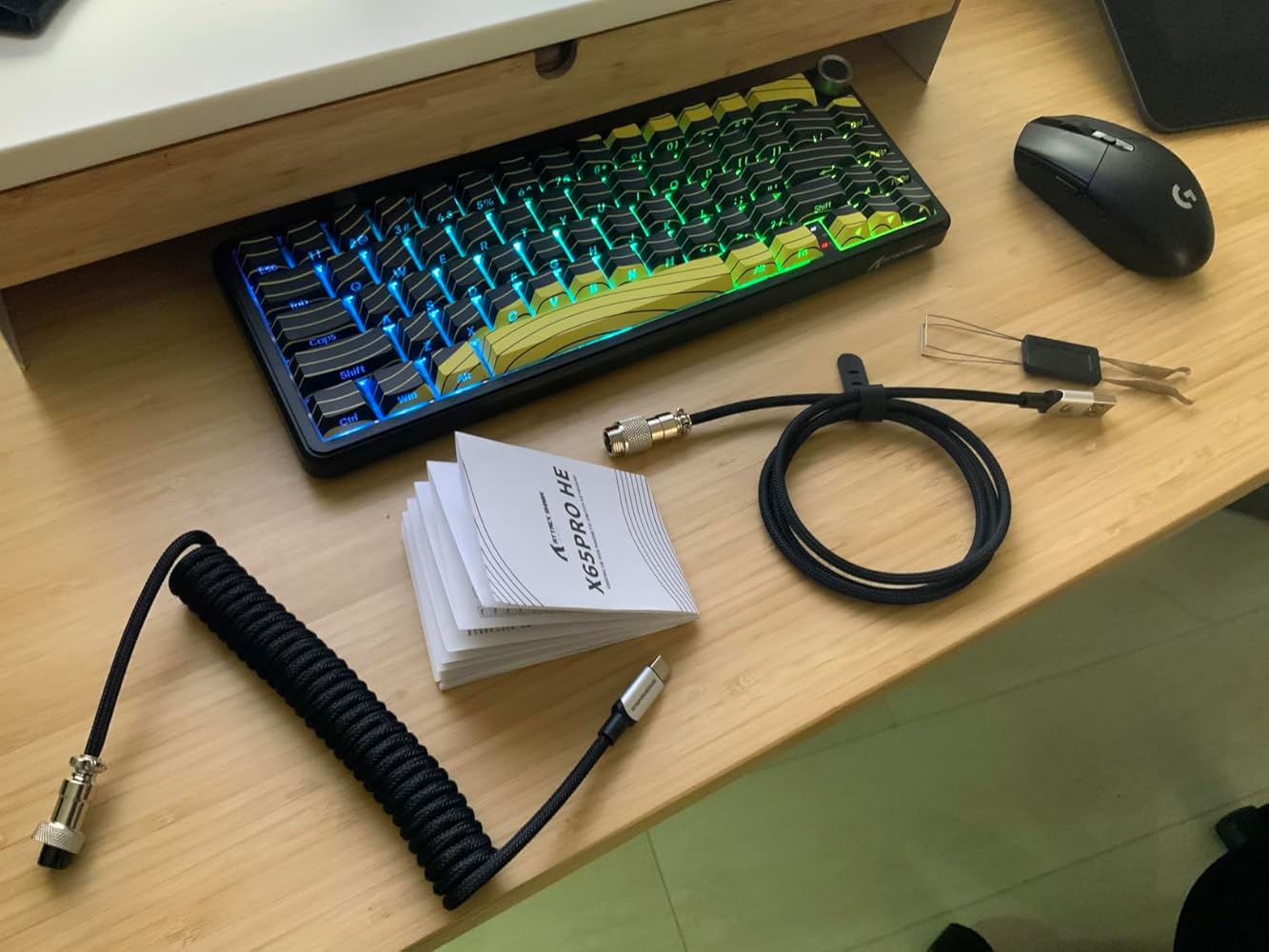
Très bon clavier la frappe est bonne le bruit également bon, très réactif, avec le dongle c’est instantané le switchParamètres richesSeul bémol le logiciel est na pas le français ça peut être chiant pour certainEt c’est un qwerty faut s’y faire mais aucun soucisC’est équivalent à un clavier premium des plus grosse marques
So beautiful and sounds great! Just as described as well.
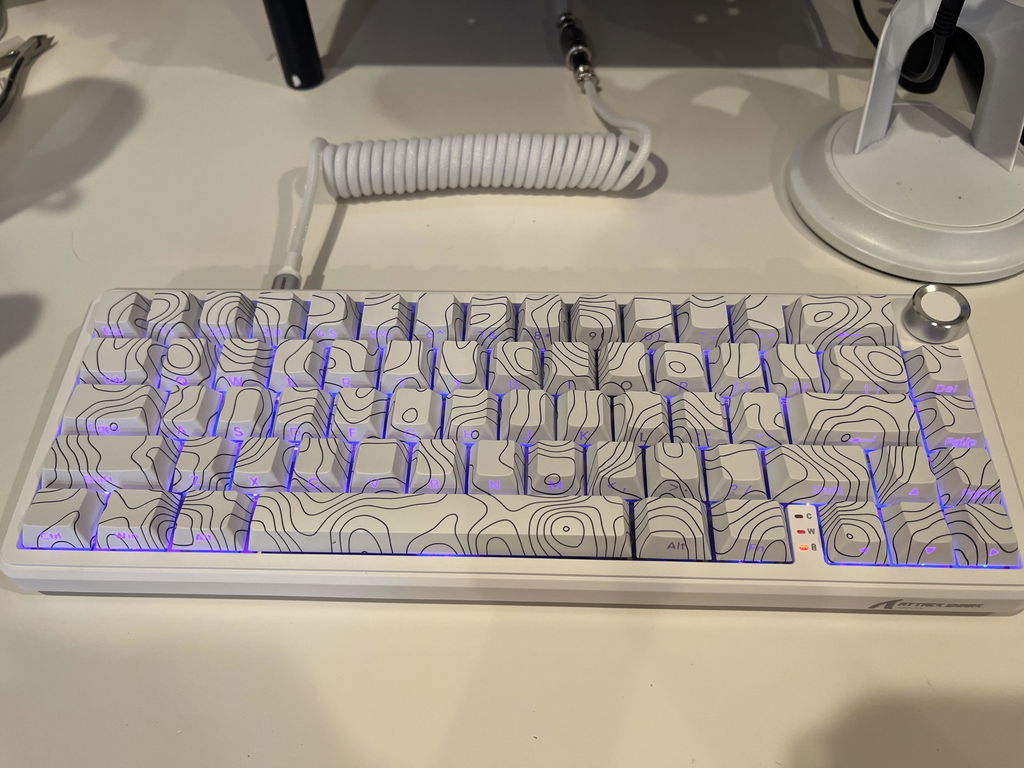
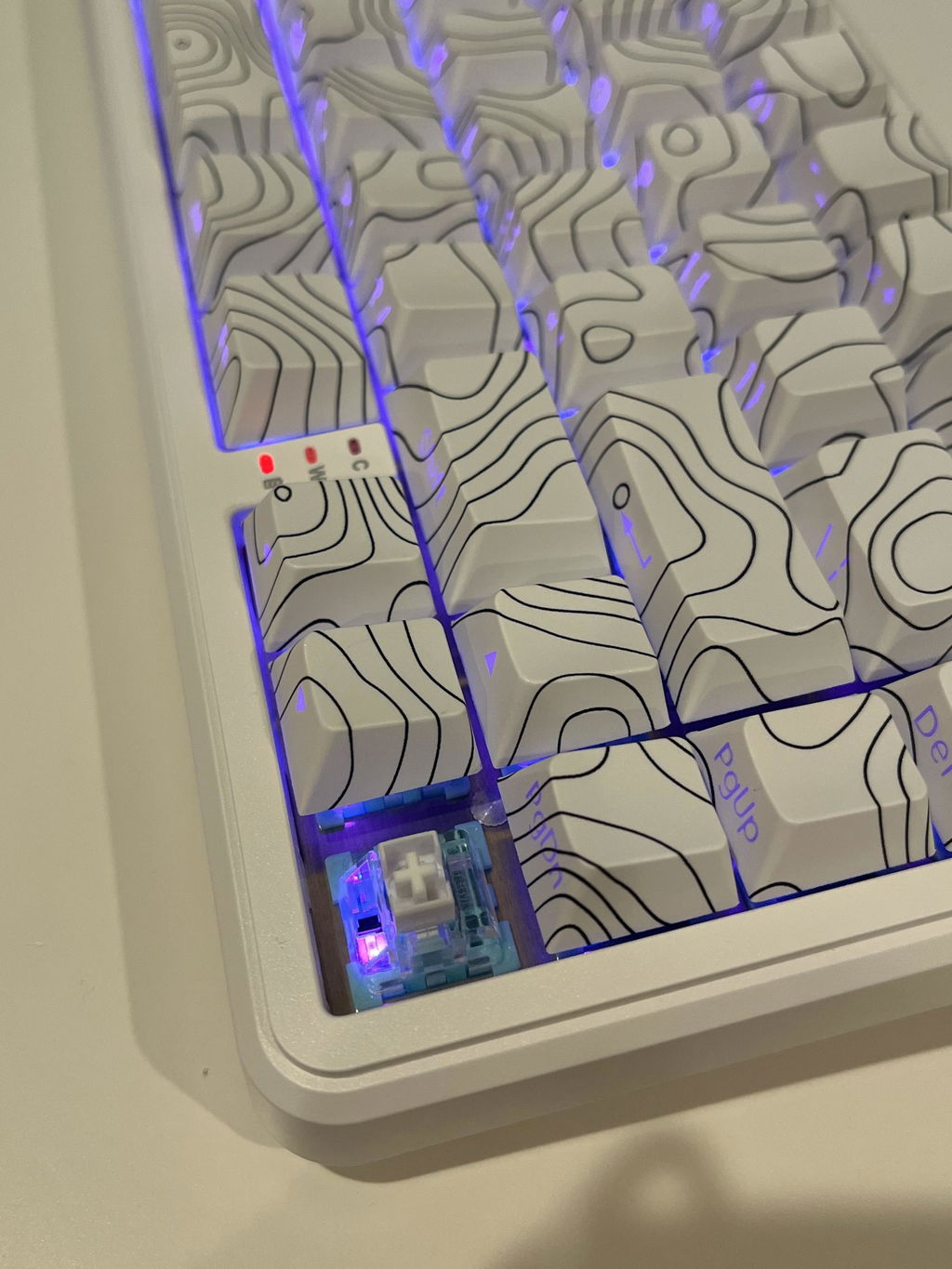
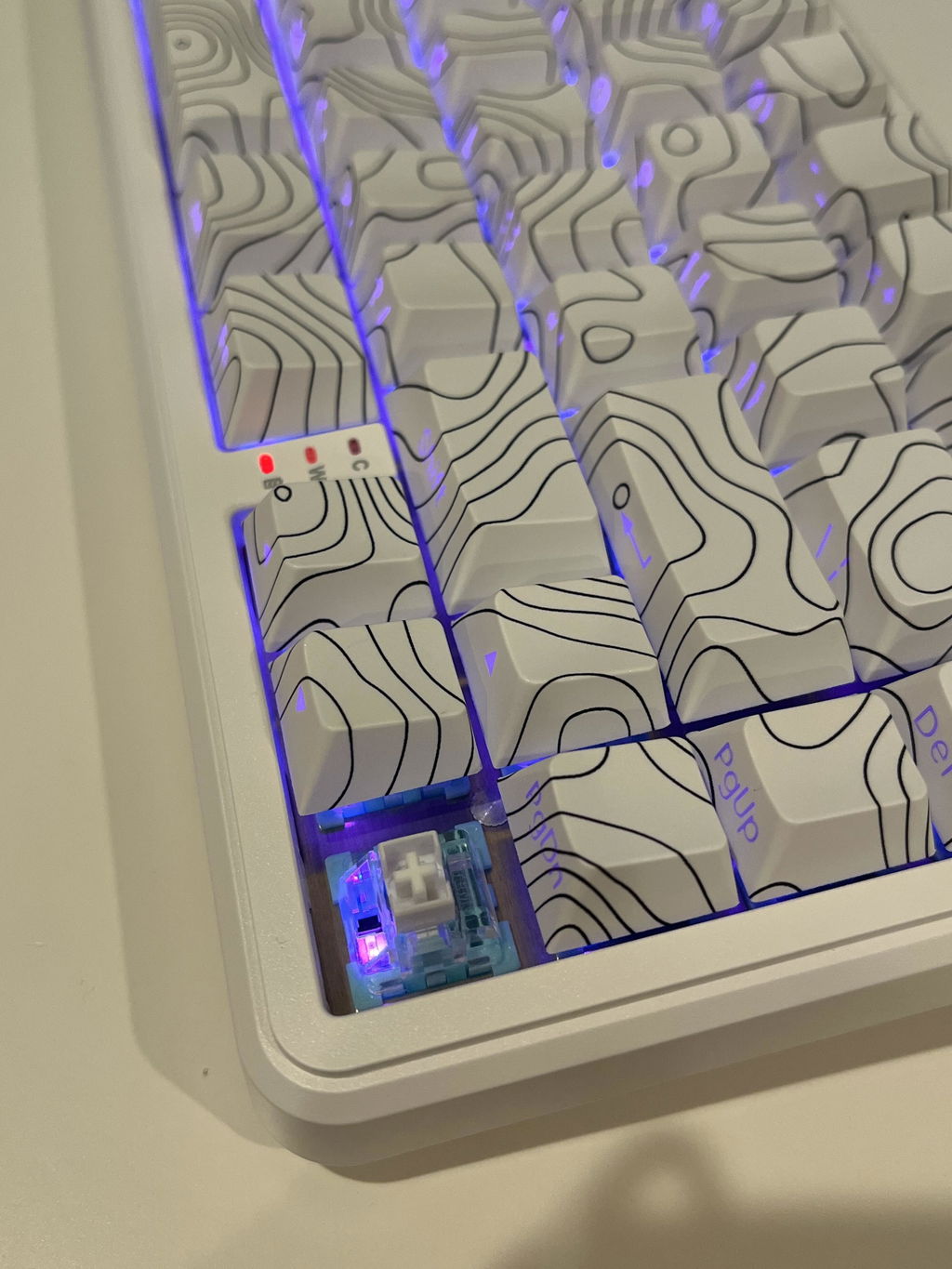
bonne qualité de construction car assez lourd et rigide, parfait pour le gaming avec ses switch magnetiques reglables, Software plutot correct ( a télécharger depuis leur site), Rgb top et modulable !
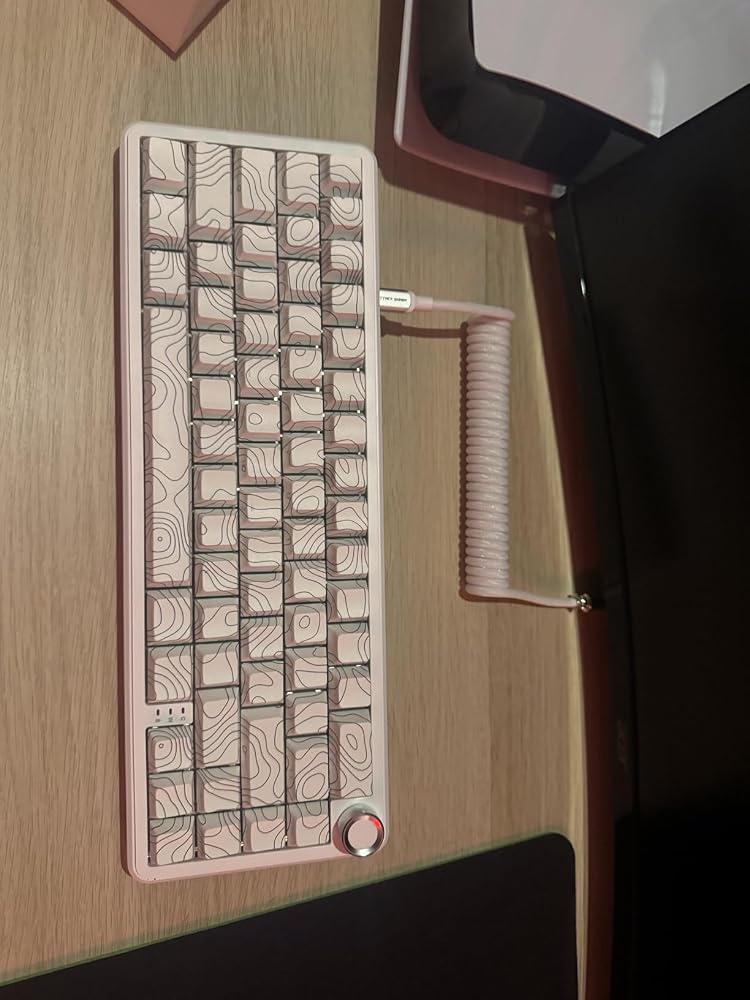
The media could not be loaded.
ATTACK SHARK X65PRO HE Rapid Trigger Magnetic Keyboard, 0.01mm RT Accuracy Gaming Keyboard with C01PRO .....This is a magnetic keyboard and as such is supposed to be very responsive. As there are no switches involved then the keys should never wear out. The keyboard comes neatly boxed and is supplied with a cable, a key puller and instruction booklet.The keyboard is solid and well made, it is only a 66 key keyboard and does not have a number pad although it does have a rotary multimedia control which can adjust volume and a push-click to for mute. The key layout is not a UK layout, buttons such as ‘£’ are not marked and other such as #, @, “, etc are in the correct places as setup for UK but are marked incorrectly in the US positions. There are no ‘F’ keys, but they can be access via the ‘FN’ together with a number key.The design looks cool but can be confusing as the lettering is on the front of each key rather than the top and if you don’t have the keyboard lit, you cannot see them. Each key does have a back light, there are several modes for the RGB lighting, and it functions rather well and looks good especially if you are into that sort of thing for your gaming rig.Connection wise, it has 3 modes, wired, Bluetooth and 2.4Ghz dedicated dongle. The dongle is held in a recess at the back of the keyboard adjacent to the mode switch. Next to this is the USB-C port for wired and then a Mac/PC switch. The cable supplied is very strange, it comes in 2 parts with a bulky metal connector in the middle to split it. One half of the cable is a straight cable, the other half is a tightly curled spring like cable. The keyboard end has a USB-C, and the computer end has a USB-A connector. The cable is not very flexible, and it has a horrible stiff Nylon braid over its entirety. I don’t like this at all, and I will certainly use a different cable.In use then, the keys feel strange, some appear to stick down briefly, (mainly E, R & Y) so as you type there is a double sound as the key doesn’t return instantly. This is very off-putting. The keys don’t stay down long enough to repeat but they stay down long enough to be annoying.Looking at the box there is a mention of setting the key activation range via a driver, but where is this driver? I cannot see anything in the instructions that mentions a driver, so I had to search the internet where I found several mentions of a ‘Web Driver’. Eventually I found and installed a non-web driver. The driver interface looks very impressive and has all sorts of features from the RGB lighting to Macros and activation points of the keys.Overall, it is a nice keyboard but there are aspects that I don’t like, the keys sticking is the main off-putting feature followed by the strange cable. I can cope with the characters being on the front of the keys rather than the top and the fact it has an American layout. The RGB lighting is good although I don’t normally use that feature but, in this case, I must have the keyboard lit so I can see the characters on the keys.Unfortunately for me, the bad points out way any good features the keyboard has and for the price there are much better options. It could be improved with a better cable, the addition of function keys and a UK keyboard layout for the UK market.


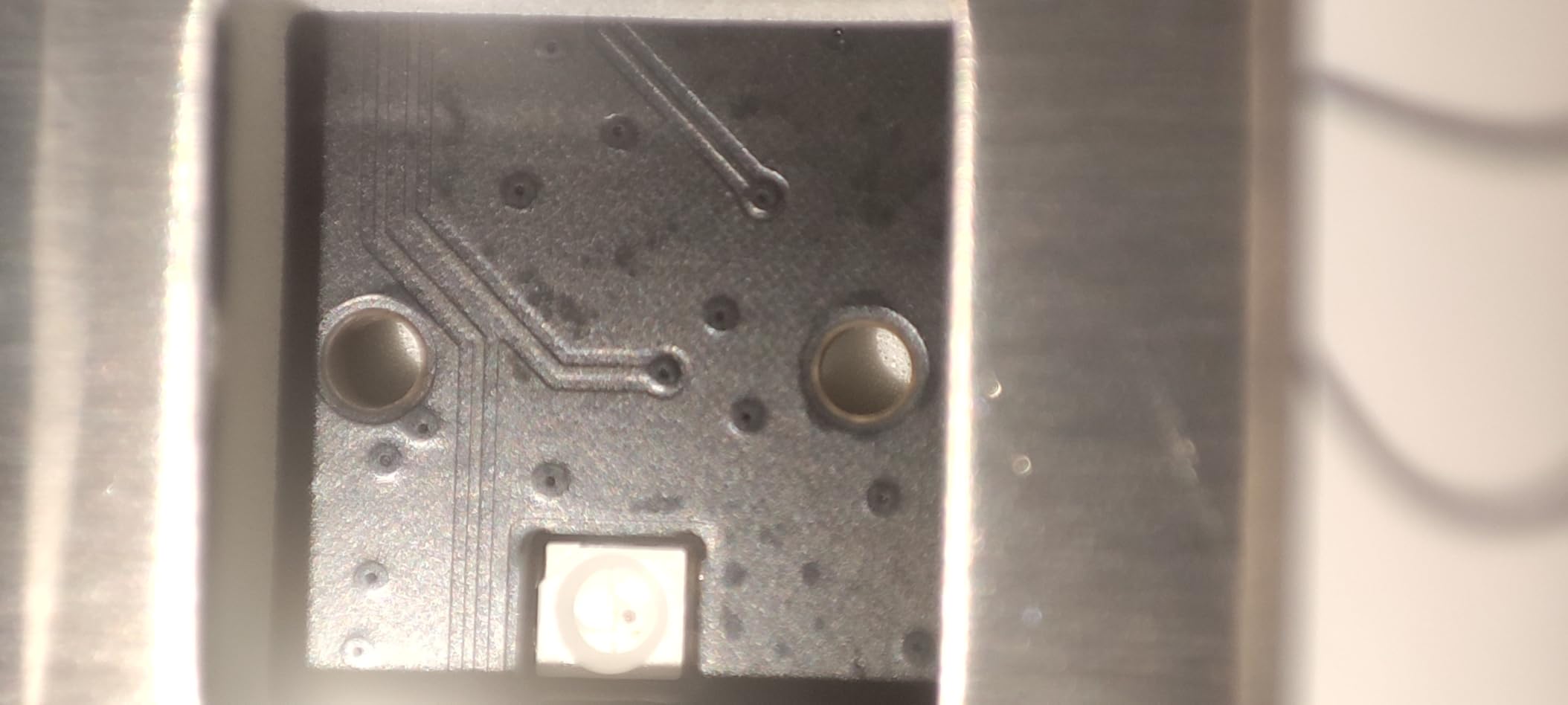
The media could not be loaded.
This is a review of Attack Shark X65PRO HE Rapid Trigger Magnetic Keyboard, white color.The software control is excellent and perfect. There is an offline software, and also web based software. Both provide same options and UI also same.It allows to control Rapid trigger, various magnetic switch specific controls such as distance to press to activate button. Background RGB is fully configurable. Per key configuration, any combination of RGB color is possible. There is also a tab where other people have shared various RGB configuration. These configurations can be easily downloaded and applied to the keyboard. It also allows us to share any RGB configurations we create with other people.There are three color options: Red, Yellow, and white. The red and yellow are not symmetric and hence I skipped those. I chose the white option.The white key caps have black contour lines in black color. The size and shape are excellent. The labels of the keys are not printed on the top. Instead those are at the side, visible to the user when typing. This is new to me and I needed few days to get used to it. The keys F and J have small horizontal bars which allows touch typing, without looking at the keyboard. These bars should have been a bit more prominent to help with touch typing. There is no such bar for any other keys. I usually prefer to have such bar to the down arrow key and delete key but here that is not a problem because arrow keys are arranged in the right bottom corner and there is a small space between Fn key and left arrow which makes it easy to put my fingers correctly on the arrow keys without looking at the keyboard.The key caps are not the smoothest to touch.There is a volume knob. This wobbles too much. This is not good. It should have been stable. Also it is too tight to rotate. The top of the knob is probably aluminium and it is difficult to rotate it with one finger because the aluminium is slippery. Pressing the volume knob also mutes/unmutes the volume.Initially when I opened the box, there was one cable on the top of the box. It has USB A male in one side and 4 pin round connector on the other end. I was surprised to see this and was wondering whether it is a mistake. I examined the keyboard and saw USB C socket. I wondered why unusable cable was sent. But then I opened the box further to see other accessories and I saw another cable that has USB C connector on one end and round connector on the other end. Those two wire parts together makes it USB A to USB C cable end to end. The design of the cable is excellent. It gives a premium feeling. It feels like braided nylon.The keyboard makes noise only when the keys bottom out and tops out while typing. I would have liked more if it were to make no noise at all.This key typing noise sound looks like engineered because it does not sound cheap.For example, I have seen other cheap keyboards that make sound, with hollow housing. But this keyboard is definitely not that.I like the keyboard layout. There are almost all the important keys straightaway without using any Fn key.There is no Home key. This is definitely something I am missing a lot with this keyboard. To use end key Fn + PgUp has to be pressed. There are many other useful keys that can be pressed with combination of Fn key. None of these secondary functions are printed on the keys. This makes it hard to use but this should not be taken as a problem because they keys can be assigned different functions using the software and if label were to be printed then it would have made the keys ugly. The user has to memorize or write down the secondary functions. Perhaps I can put some stickers on the keys for the secondary functions.The switches are hot swappable.Both legs closed, small legs open, large legs open -> These are three angled position options.It can also be used with Bluetooth, 2.4G wireless. So, all connectivity options are included.I am typing on this keyboard with very good fluency and I just want to keep typing. That's why this review is this long!The only slightly noticeable but insignificant issues: Wobbling volume knob, too tight volume knob which cannot be turned with just flick of a single finger, missing Home button by default even with Fn combination,There is one more issue. There is no way to limit the battery max charge to 80 %.


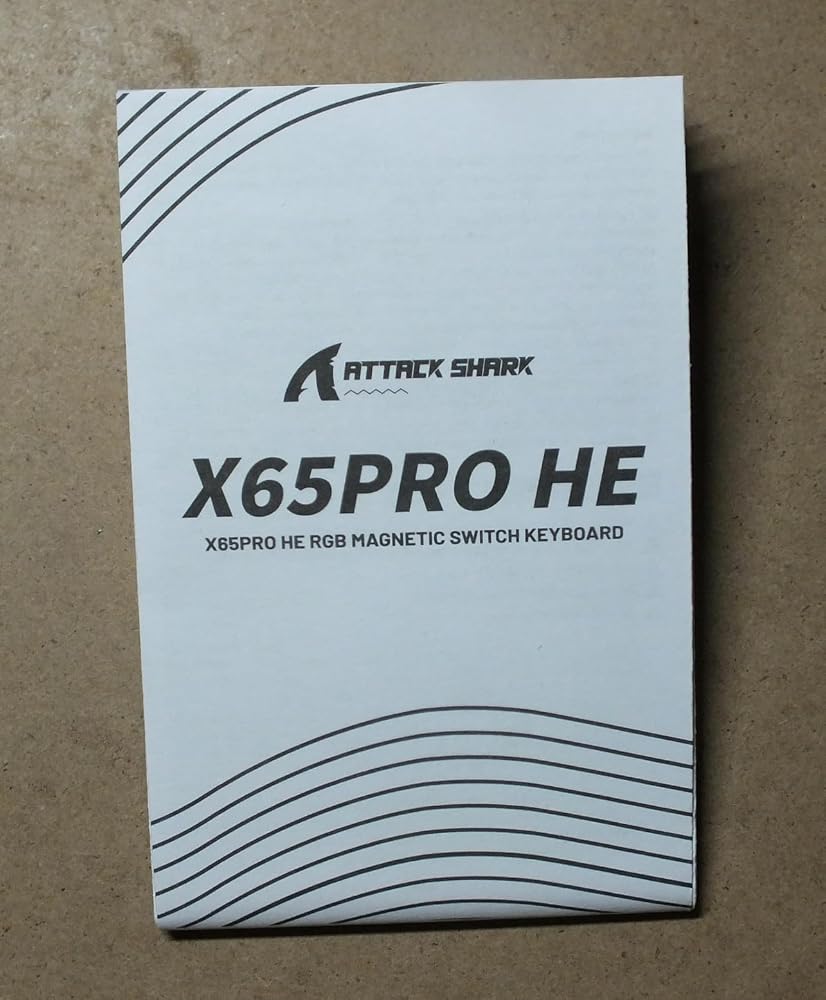
The 'ATTACK SHARK X65PRO HE, Rapid Trigger Magnetic Keyboard, 0.01mm RT Accuracy, with C01PRO Coiled Cable, Tri-Mode, 0.125ms Latency, 8K Polling Rate, for Gamer' arrived in a branded box that also contained instructions.I tested this keyboard with the 2.5 GHz connection and hardwired; in both cases the keyboard was responsive, though I am still unsure of the writing on the front of the keycaps rather than the top.The keyboard has two risers at the rear on the underside and it was nice to see they have a rubber foot to avoid scratching the surface they might be on.One aspect that I really liked was the feel of the keyboard action, and would like to try a full size keyboard with the same magnetic keys but with normal top printed and illuminated keycaps.




Esta es la primera vez que pruebo un teclado que tiene una rueda para el volumen del ordenador, además si presionas la rueda silencia y deja de silenciar el sonido.La otra característica destacada son sus tres modos de conexión, que puede ser por cable, por bluetooth o con 2,4 GHz usando un receptor USB que viene insertado en la parte de arriba del teclado y debe conectarse al ordenador. Yo he usado este último modo de conexión y he probado a separarme hasta doce metros del ordenador y la señal desde el teclado sigue llegando. Cuando tiene poca batería la retroiluminación se apaga y es tu señal de que toca cargarlo (esto también pasa si llevas un rato sin usarlo), a pesar de que haya que cargarlo me resulta más cómodo en modo inalámbrico.También tiene un switch para elegir entre Windows y Mac, según el ordenador que utilices, toda esta información está las instrucciones.Antes de este he tenido dos teclados mecánicos de Aula y en el primero de los dos una tecla dejó de funcionar de forma permanente, fue imposible de arreglar aún sustituyéndola. En comparación las teclas magnéticas duran más tiempo. Ya si prefieres la sensación del “clack” al pulsar las teclas mecánicas o prefieres la suavidad de las magnéticas depende de ti. A mi me gustan los teclados mecánicos y el sonido me agrada, pero las teclas magnéticas en comparación dan una sensación más premium y para gaming las teclas magnéticas ganan al ofrecer mayor precisión, agilidad y distraer menos. Por su durabilidad creo que me quedaré con el teclado magnético, que al no contar con tantas partes móviles es más difícil que se estropee.El teclado solo tiene dos problemas y el primero lo solucioné fácilmente: al conectarlo por primera vez interfirió con el funcionamiento de mi ratón inalámbrico dando mucho errores al teclear o hacer click con el ratón, reiniciar el ordenador solucionó por completo este problema.El otro problema es que el driver, que no es necesario instalar pero que he descargado igual desde la página web de Attack Shark, está en chino y me resulta imposible cambiar el idioma porque no entiendo nada de lo que pone en el menú, aunque sé que existe una traducción al inglés.
The Attack Shark X65PRO HE is truly a great keyboard, in the box you get the keyboard, a C01PRO Coiled Cable, the USB Dongle for bluetooth, another cable to connect the keyboard to you PC for charging and a key puller tool.I did have a bit of a problem connecting to the dongle which I placed at the rear of my rig, which is around 60cm away from the keyboard, then I plugged the USB in the front port as it connected just fine.It feels great to use and is a heavy keyboard, really well made.My Son saw this one and tried it out, he now wants one of his own ( So if you read this Attack Shark :D )The dial works perfect to adjust the settings, you can change the colour of the keyboard to suit what you need or want it to. It is very responsive which is perfect for me as I game a lot.Overall I am really impressed with this keyboard, and I am glad I got the chance of testing it out and look forward to using this for a long time. Highly recommend from a 52 year old Gamer.
Un très bon clavier très réactif avec un bruit particulièrement satisfaisant et marche très bien sur ma ps5.La sourie est très légère et les grippes sont magnifiques.Le tout est livré avec des magnifiques autocollants.
Great kbm
Questo prodotto lo consiglio a tutti gli appassionati di gaming, ma alcuni led non funzionavano.